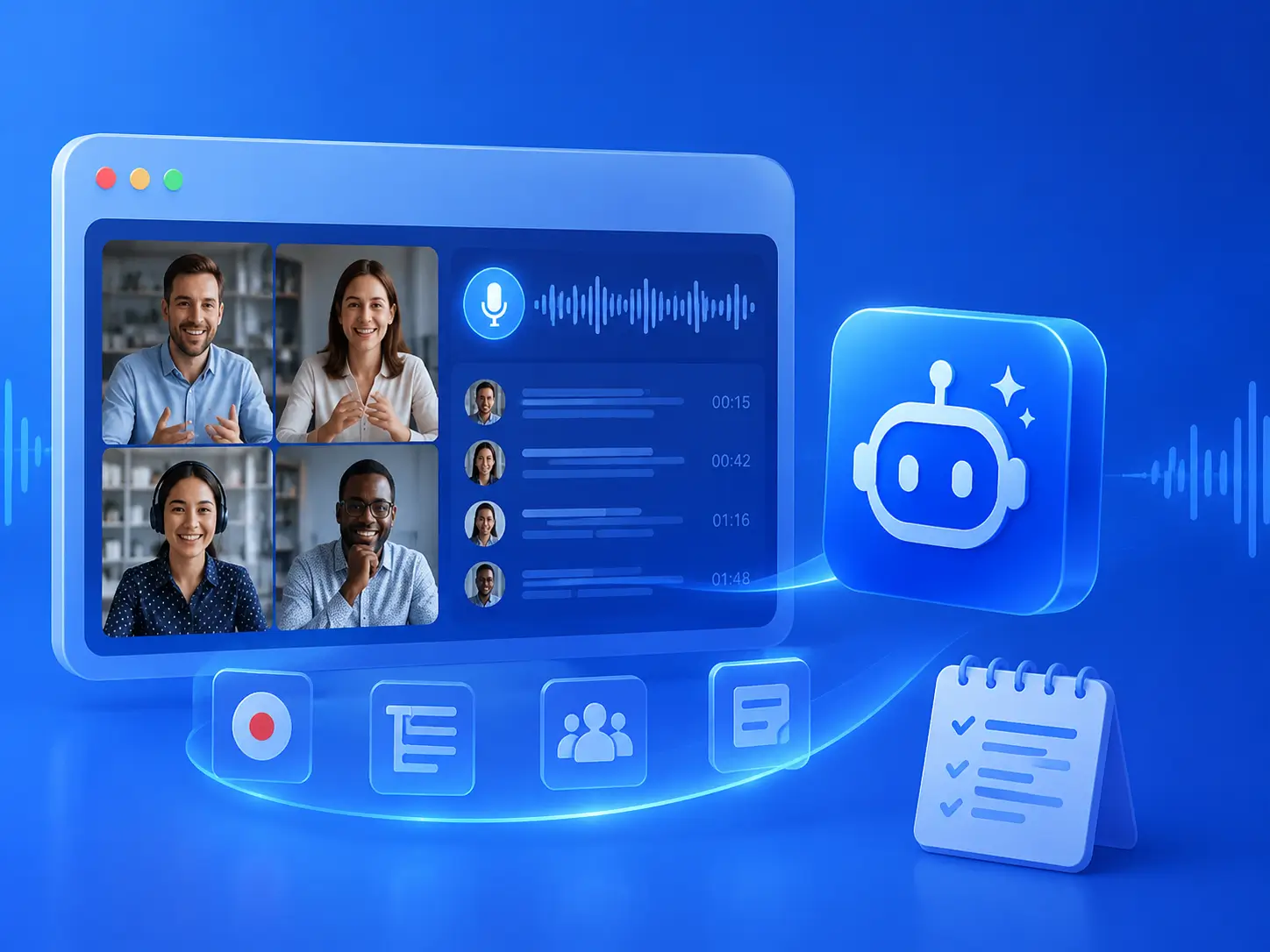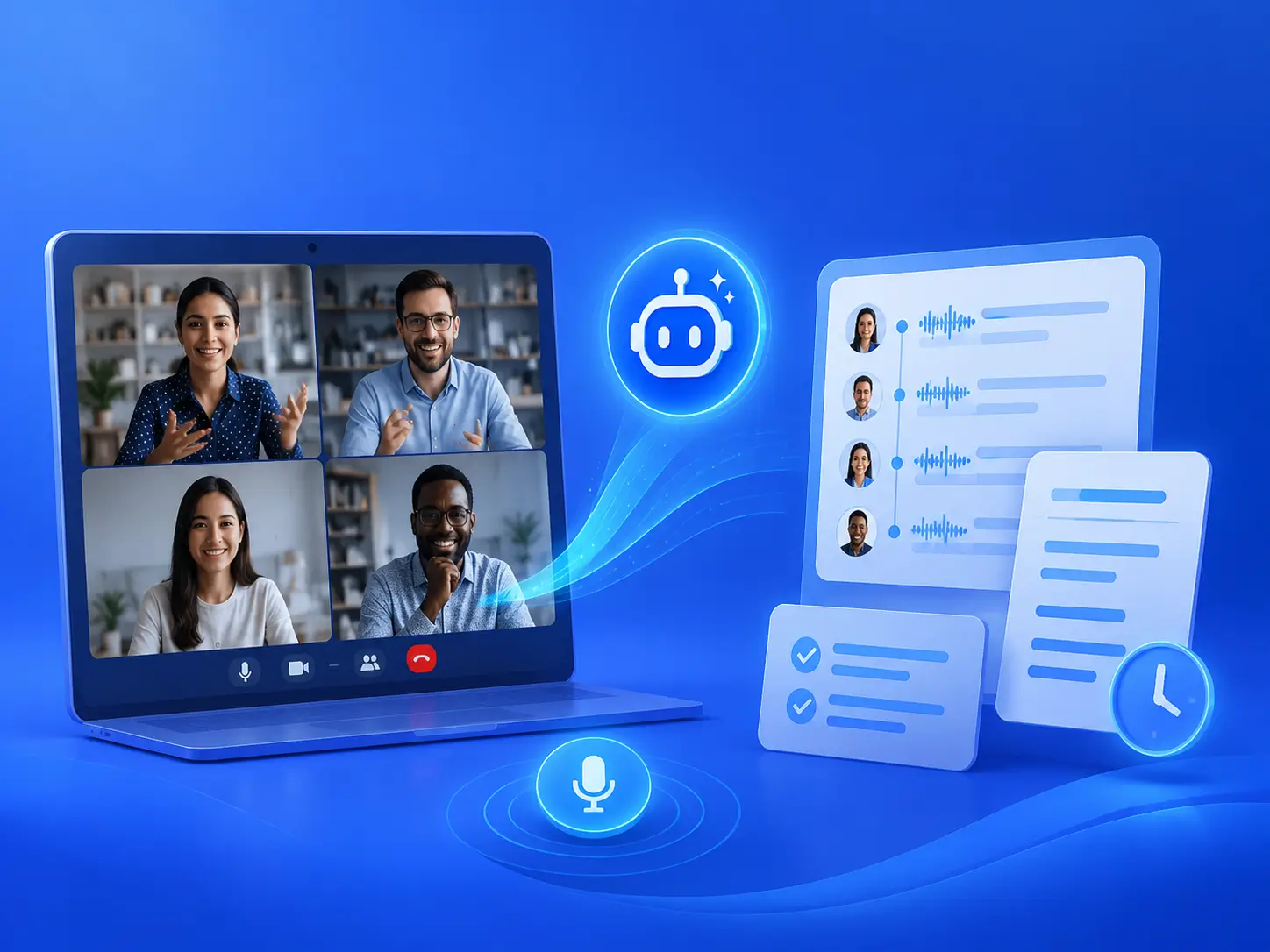
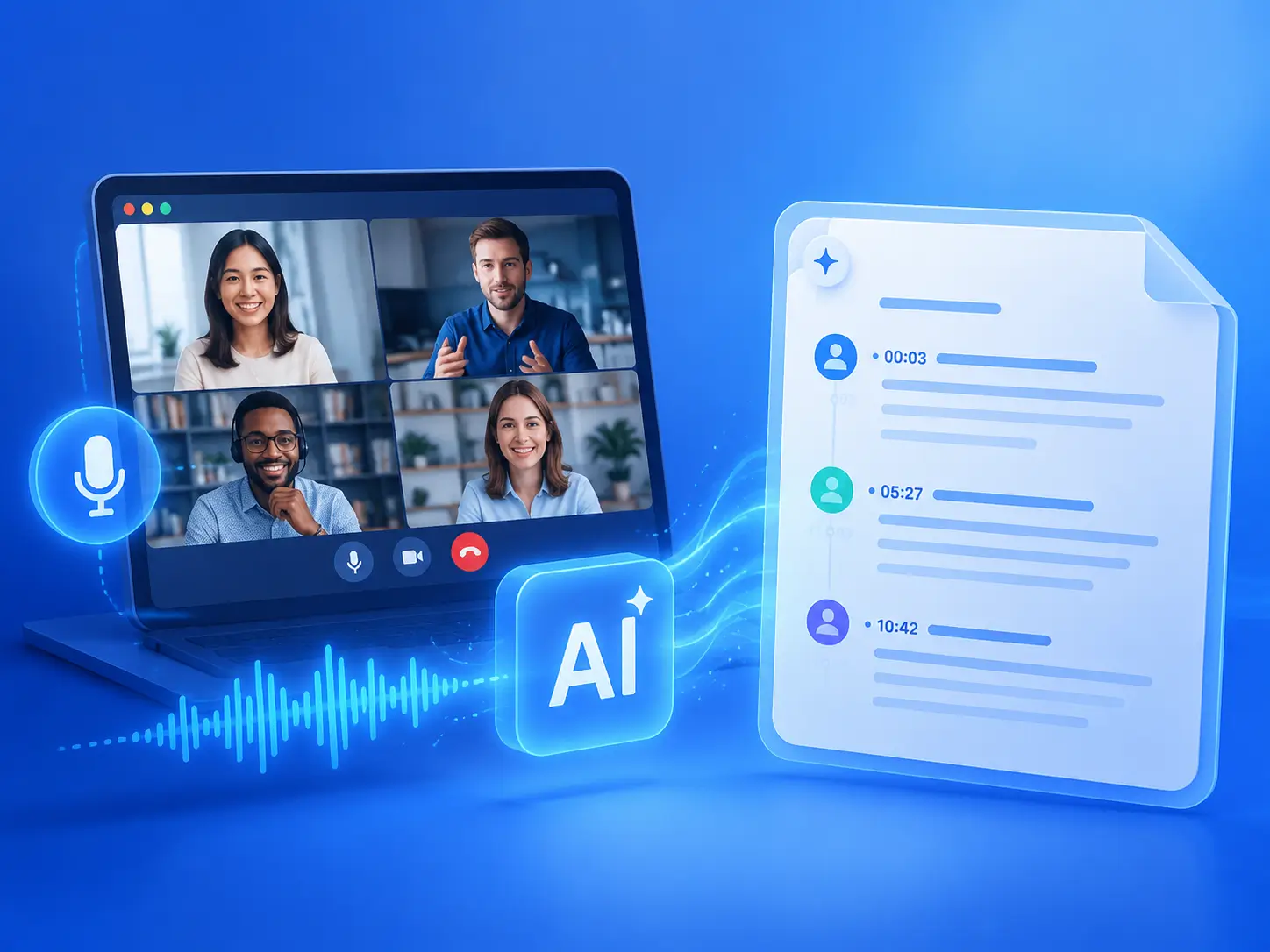
An AI meeting note taker records a conversation and uses artificial intelligence to create a transcript and summary. It can also organize the transcript with timestamps and speaker labels.
Free AI Meeting Note Taker for Clear & Structured Notes
Record, transcribe, and summarize meetings with timestamps and speaker labels. No sign-up required.
Ready to start your meeting?
Record directly from your browser. No sign-up, no download required.
Audio Language
Transcription Mode
Recent Recordings
No recordings yet.
History is kept for 48 hours.
Free Online AI Meeting Note Taker: No Sign-up Required
Our AI meeting note taker captures the conversation for you. When the meeting ends, you receive a transcript and summary that are already organized with timestamps and speaker labels.
What is AI Meeting Note Taker?
AI Meeting Note Taker is an online meeting assistant whose core function is to help you transcribe and summarize meeting videos with a single click, and it also supports long videos. It ultimately generates meeting notes with timestamps, structure, and speaker tags, allowing you to focus on the conversation without frantically typing.
Start Free AI Meeting Note Taker
What Are Core Features of AI Meeting Note Taker?
AI Meeting Notes Taker is a one-click meeting recording tool that automatically transcribes long recordings into text with timestamps and speaker tags after the meeting. It automatically identifies different speakers and timestamps each segment for quick access to key information. It also generates concise summaries to help you quickly grasp the main topics, key points, and conclusions. No account registration is required; simply open and use it, saving you the hassle of manually organizing notes.
Try Best AI Meeting Note Taker
Why Choose Our Free AI Meeting Note Taker?
Because AI meeting note taker eliminates the need to choose between "listening" and "taking notes." Traditional manual note-taking often misses key details, confuses speakers, and is time-consuming and laborious to organize drafts afterward. It, however, automatically captures the entire conversation during the meeting and instantly generates a complete transcript and summary with timestamps and speaker tags afterward. You can focus entirely on participating in the discussion and save every important point for later review.
Try AI Meeting Note Taker Free
Is It Compatible With Major Meeting Platforms?
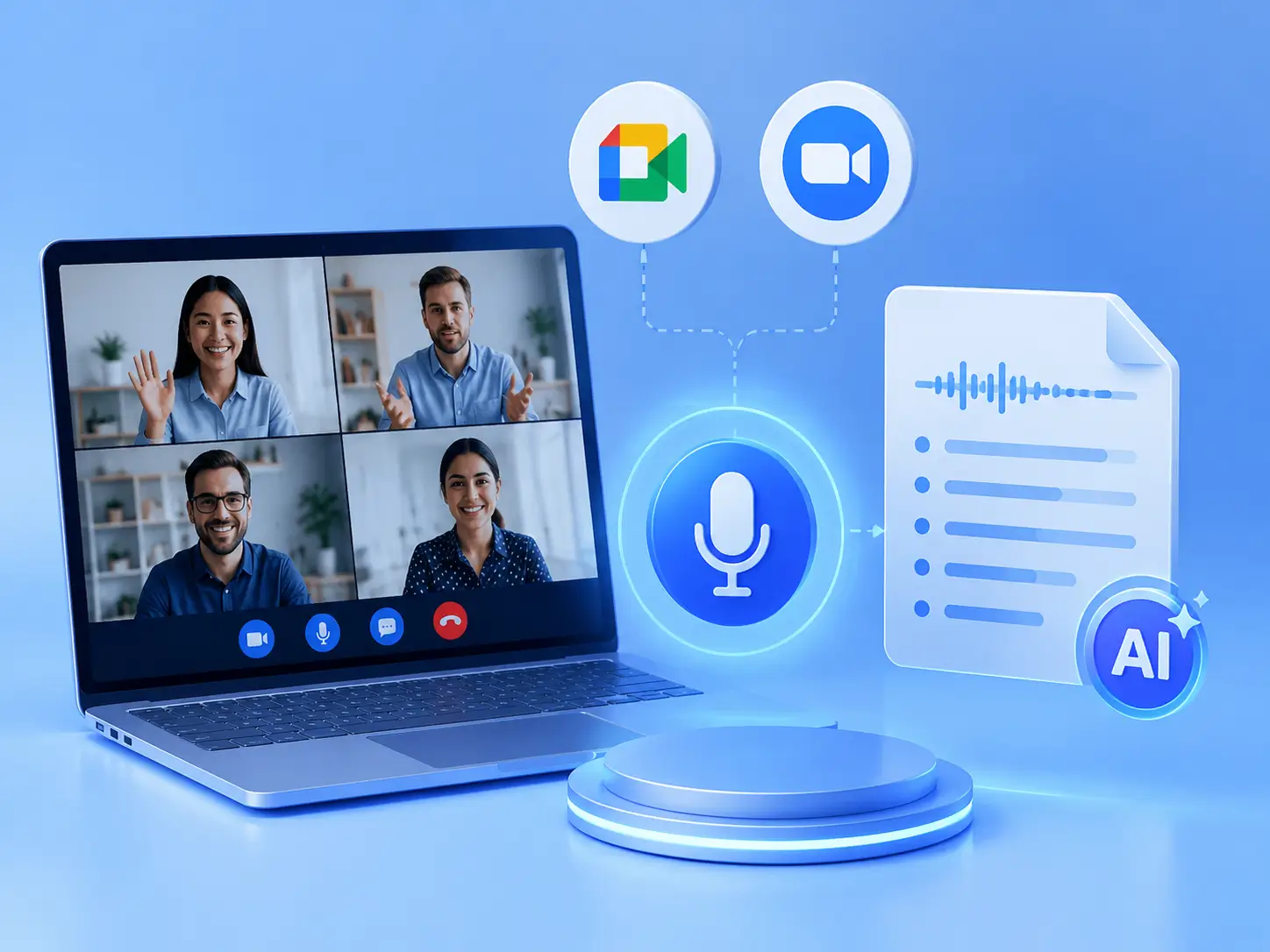
Our tool integrates seamlessly with mainstream meeting platforms like Google Meet and Zoom, ensuring no conflicts arise. Simply launch our free AI meeting note taker with a single click when your meeting begins to start recording; it will automatically transcribe and summarize the session once the meeting concludes.
Start Meeting AI Note Taker
How to Create Notes Easily with AI Meeting Note Taker?
3 easy steps to automatically add subtitles to videos, just copy and paste your YouTube video link.
01
Upload Meeting Files
Open the free AI meeting note-taker and upload meeting files from platforms such as Google Meet and Zoom.
02
Let AI Transcribe the Conversation
Make AI converts the conversation into text, separates speakers and adds timestamps.
03
Review the Summary and Transcript
Read the short meeting summary first, then use the full transcript whenever you need more context.
What Makes The AI Meeting Note Taker So Outstanding?
One-Click Meeting Notes
Record, transcribe, and summarize your entire meeting in one click. Stay focused on the conversation while AI handles the notes automatically.
Speaker Labels and Timestamps
See who said what and when. Automatic speaker labels and timestamps make long meeting transcripts easier to follow and review.
Completely Free, No Sign-Up
Start taking AI meeting notes instantly without creating an account or entering payment details. It's completely free and ready when you are.
What Are People Saying About AI Meeting Note Takers?
Emma Collins
Freelance Consultant
"I found this tool while searching for a free AI meeting notes taker on Reddit. Most recommendations either required an account or limited the useful features. This one let me start right away and produced a surprisingly readable summary. Speaker separation can need a quick correction when people talk over each other, but for a free AI meeting note taker, it saves me a lot of time."
Daniel Reed
Product Manager
"I've tried several tools claiming to be the best AI meeting note taker, but I mainly need something simple that doesn't interrupt the meeting. The summaries here are concise, and the timestamped transcript makes it easy to verify details. It may not replace a full team knowledge system, but it's one of the more practical AI meeting notes taker tools I've used."
Priya Shah
Remote Team Lead
"I originally found it by searching for a Google Meet AI note taker. I didn't want another bot appearing in every call, so the straightforward recording workflow worked better for me. If you're searching for a 'Google meeting AI note taker,' this is useful for turning long discussions into notes you can actually scan afterward."
Marcus Lee
Recruitment Consultant
"Finding a reliable AI note taker for in-person meetings is harder than finding one for video calls. I use this during candidate discussions and review the speaker labels afterward. The labels occasionally need adjusting in noisy rooms, but the transcript is still much easier to work with than handwritten notes. It's a practical meeting AI note taker for everyday conversations."
Sofia Martinez
Customer Success Manager
"I needed an AI meeting note taker for Teams calls that could handle longer customer conversations. The timestamps are the most useful part because I can return to a specific question without replaying the whole recording. This meeting note taker AI keeps the output simple: a summary when I need the overview and a transcript when I need the details."
Noah Bennett
Small Business Owner
"I wanted an AI meeting note taker free of subscriptions because I only have a few important calls each month. This free AI meeting notes taker covers the basics well: recording, transcription, speaker labels and summaries. I wouldn't call any tool perfect, but for anyone looking for the best free AI meeting note taker or a straightforward AI note taker for meetings, it's a solid place to start."
Frequently Asked Questions
Still have questions? Read the following to clear up any doubts.