
Audio to text conversion is an online service in your browser, which transcribes audio files and lets you download in formats such as TXT, PDF, Word, or SRT.
Free Audio to Text Converter - Transcribe Long Audio Files in Seconds
Trusted by millions of users and teams across 120+ countries, our online audio to text converter delivers highly accurate transcripts instantly, without waiting queues.
Active Tool
Loading history...
History is kept for 48 hours.
More Tools
What Problems Can an Audio to Text Transcription Tool Help You Solve?
Have you ever tried creating a transcript of a meeting, or taking notes for an interesting podcast all by yourself? You need to open the audio file and listen to it over and over again. Going through the same audio and repeating the process can be frustrating, and it's difficult to write down all information required without mistakes. A good audio file to text transcriber has a deep understanding of transcription workflows, and you can quickly review and repurpose your content with one click.
Convert Audio to Text Now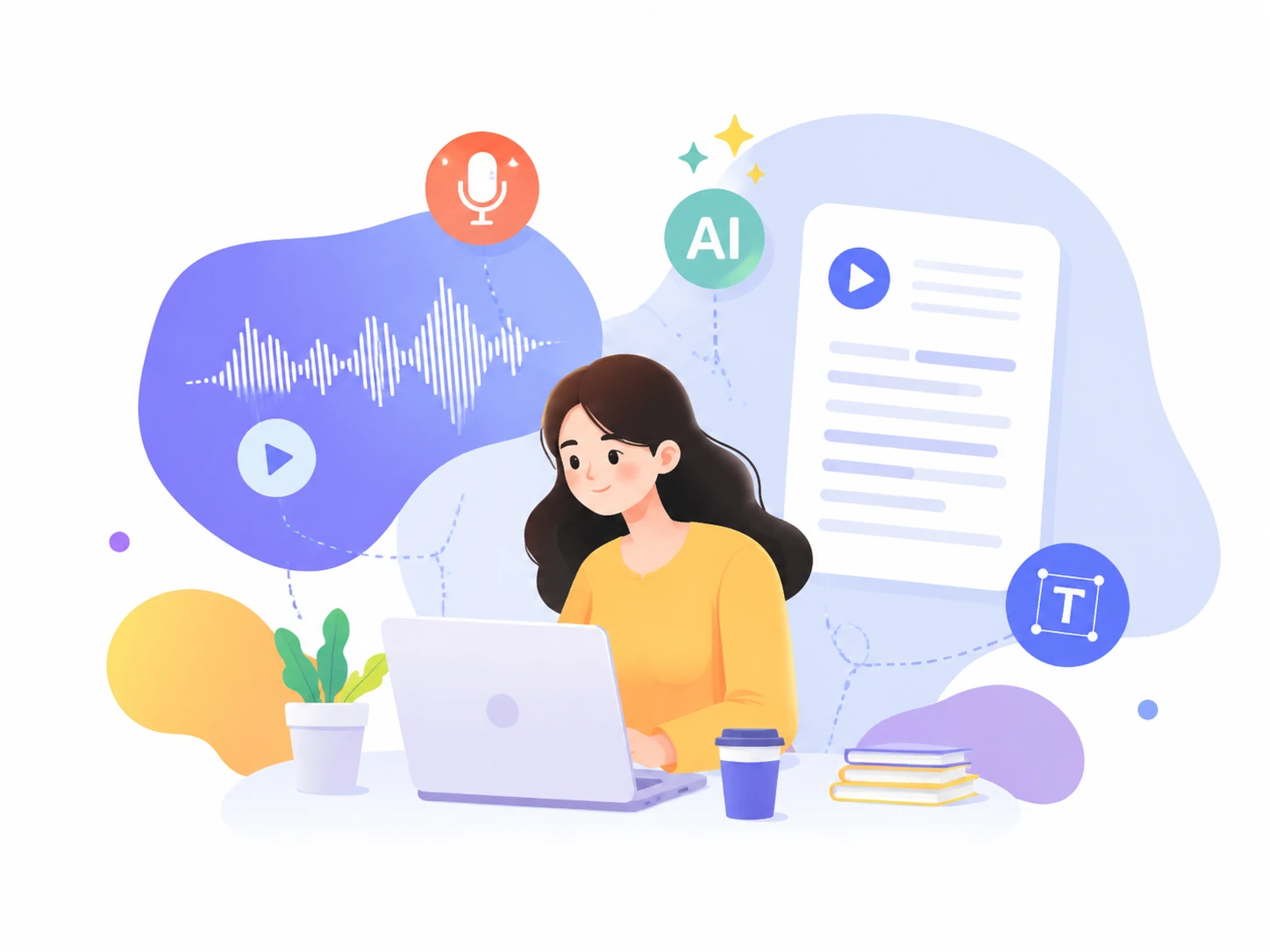
Why Choose This Free Audio to Text Converter ?
Our AI audio transcript generator is an all-in-one transcription solution with powerful tools.
Free Access to All Features
Use AI transcription, summaries, AI chat, import and export with no upgrade plans.
No Download Limits
Download as TXT, PDF, DOCX, SRT, and more as many times as you need.
150+ Languages & Accents
Understand and translate audio files in 150+ languages and accents with high precision.
Security & Privacy First
All users' audio files and transcripts remain encrypted and are never shared with third parties.
Mobile & Computer Friendly
Transcribe audio files anytime and anywhere across all your devices.
No Software or Extension Needed
Convert audio to text online with no apps, software or browser extensions.
What Our Audio to Text Converter Will Do for You
Batch Transcribe Audio to Text Online with AI in Seconds
Our AI audio to text tool can handle lengthy recordings and multiple files at once and generate transcripts in seconds without slowing down or missing important details. You'll no longer need to upload each recording one by one, or wasting time turning them into small sections. By transcribing up to 10 files, you can boost efficiency and productivity with fast and smooth batch transcription.
Easily Turn Audio Into Text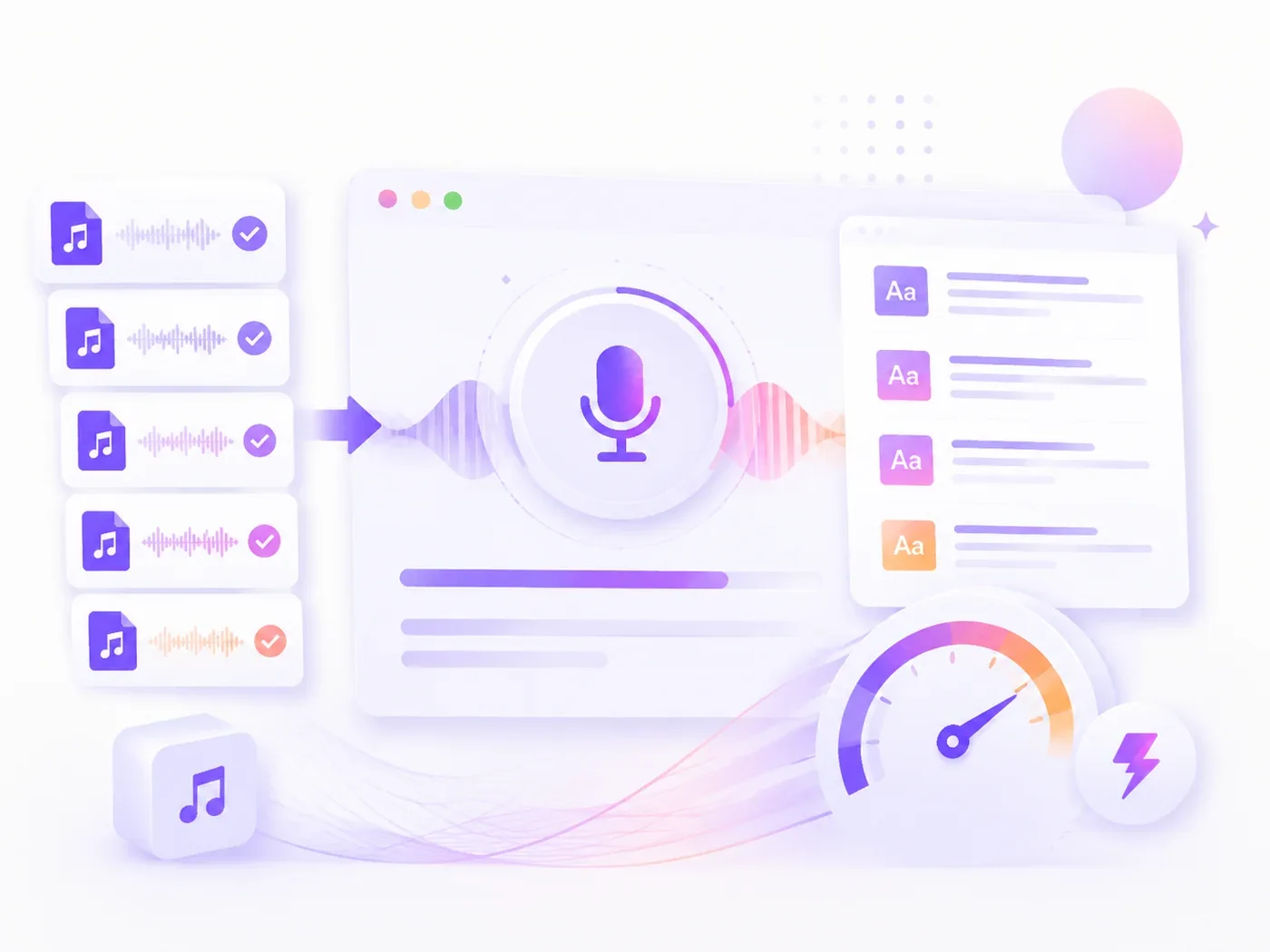
Identify & Label Different Speakers with Clear Timestamps
Once you upload your audio recordings, our audio to text converter separates different speakers in meetings, interviews or panel conversations. Your transcripts will come with clear timestamps and meaningful paragraphs . The clickable timestamps help you find exactly when and where a speaker is talking. It automatically turns long recordings into small sections based on the flow of the audio file.
Try Free Audio to Text Conversion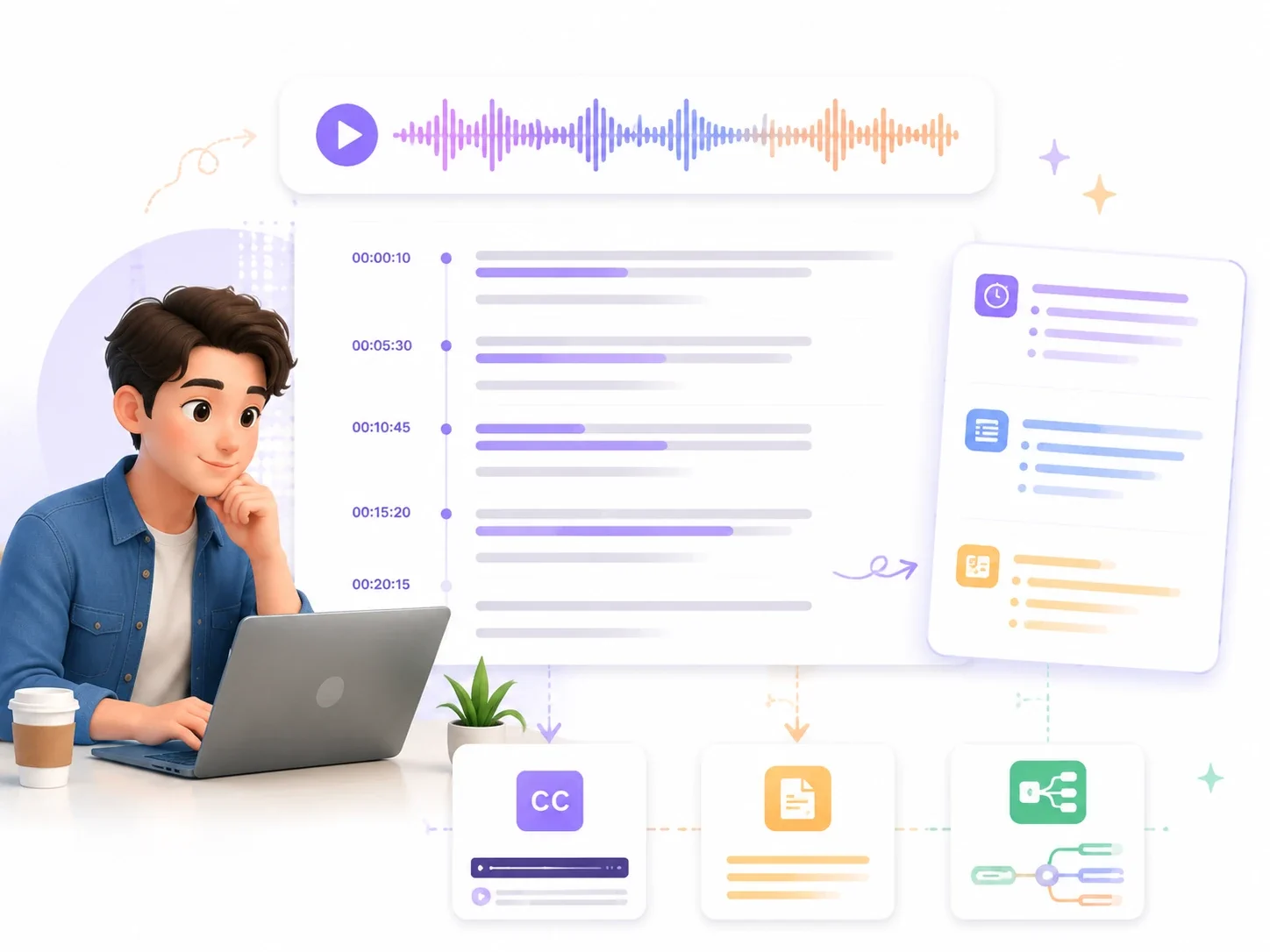
Instant Subtitles, Summaries, and Mind Maps from Audio to Text Transcription
This audio file to text converter gives you more ways to transform your recordings into useful content. In addition to the whole transcript, it generates summaries, creates subtitles, and draws mind maps from the same file. Also, choose from 30+ summary templates and create different types of content, such as video clip ideas, meeting summaries, engaging social media posts, and so on.
Transcribe Audio to Text Online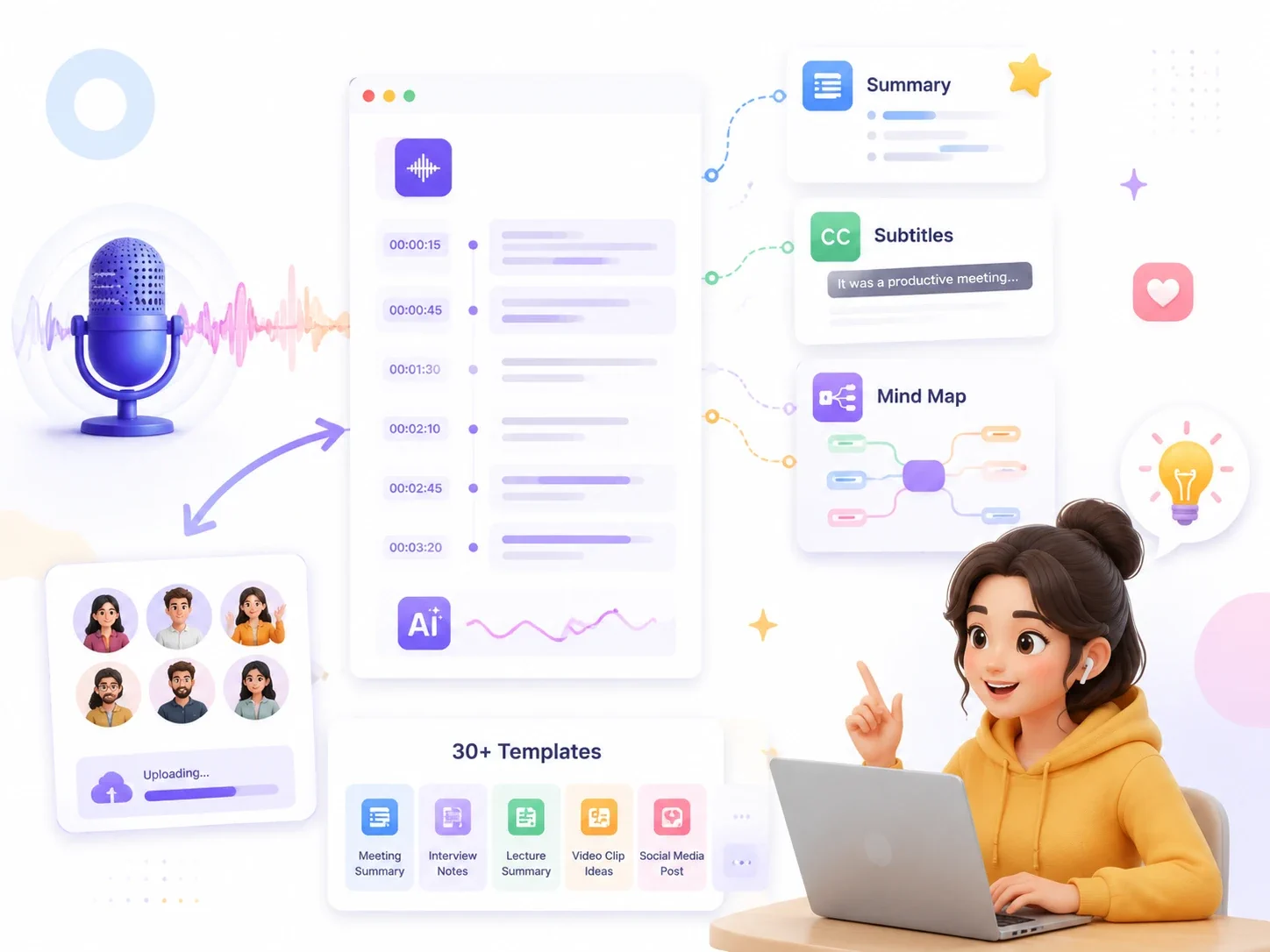
Chatting with AI About Transcribed Audio to Enhance Understanding
Understanding the transcript completely can be just as challenging as creating it. Our AI helps you make sense of the text by deciphering difficult terms and explaining unfamiliar concepts in a simpler manner. Thanks to AI Chat, you can ask questions to explore various topics in greater depth. For example, students can review lesson recordings after class by converting audio to text and asking AI to explain unfamiliar theories.
Generate Audio Transcript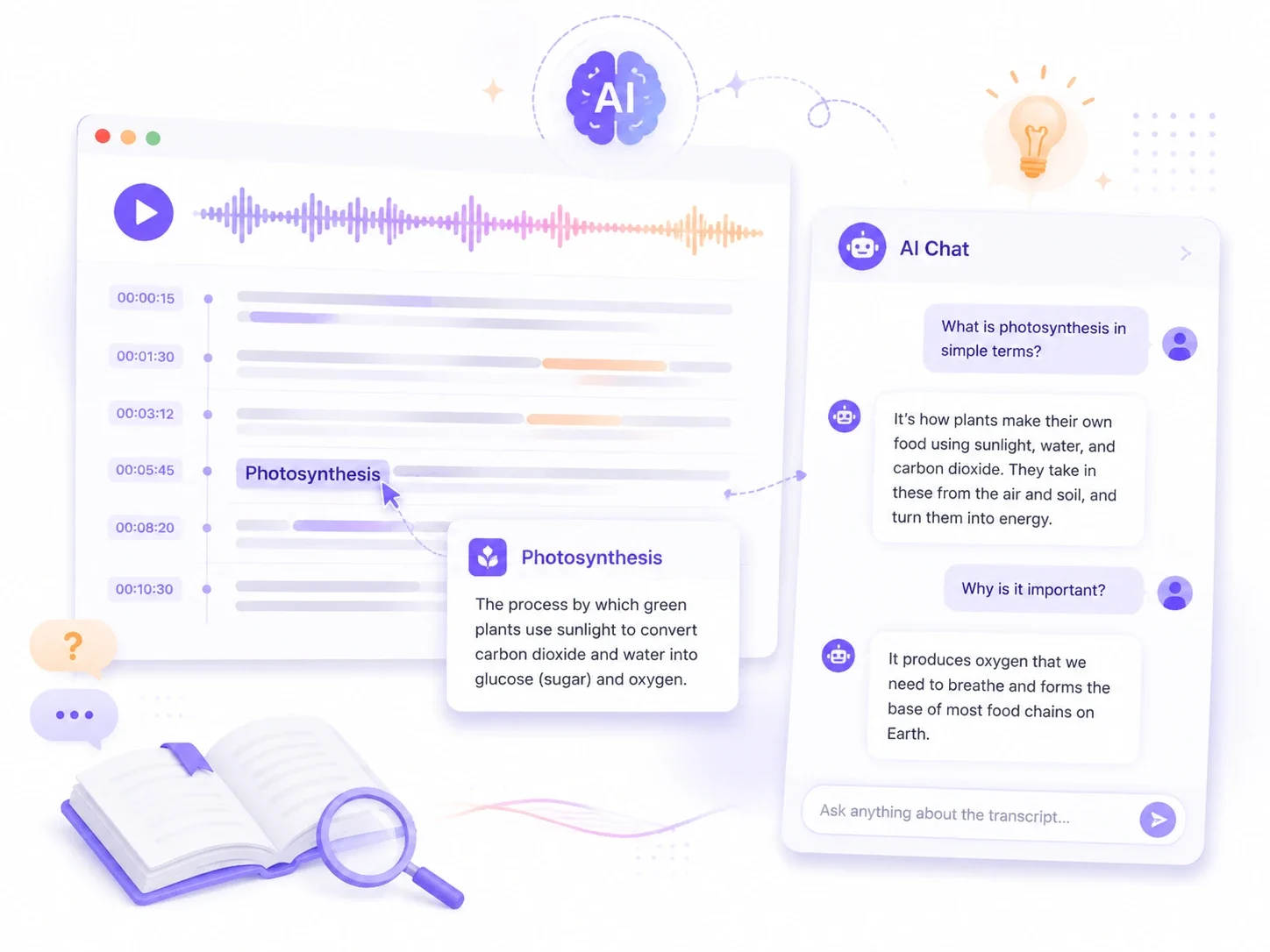
Who Needs an Audio to Text Converter?
Converting audio to text makes any audio content easier to read, search, analyze and share.
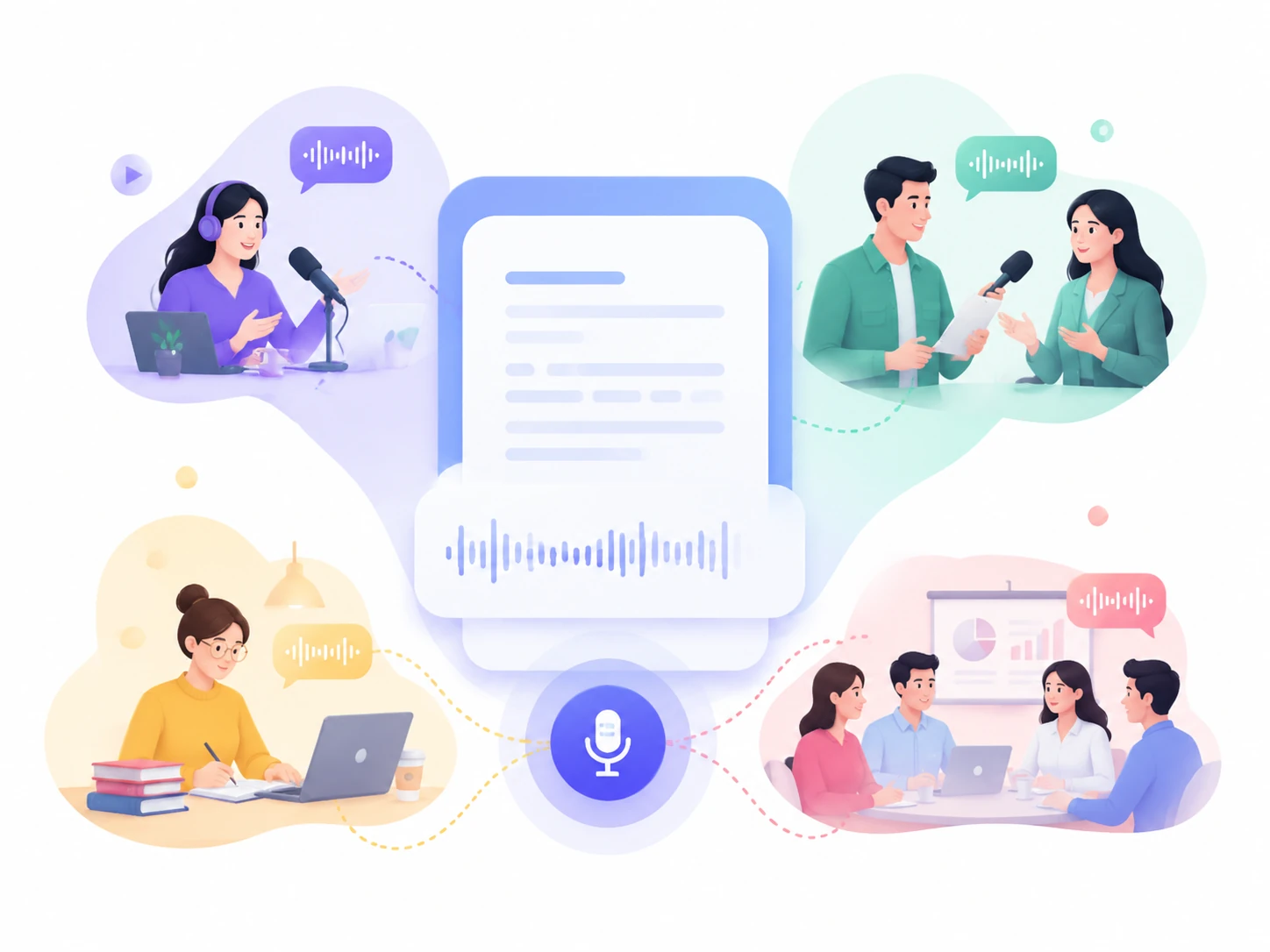
Podcasters & Creators
Get subtitles and transcripts for podcast episodes, posts, and social media content. Improve productivity and accessibility.
Journalists & Interviewers
Convert interviews, conversations, and press briefings into text quickly and accurately.
Students & Researchers
Perfect for organizing knowledge and data from lectures, tutorials, seminars and research recordings.
Business Teams
Transcribe meetings, discussions, and customer calls. Create meeting notes and share insights.
How to Convert Audio to Text in Three Steps
Using an audio to text converter is much easier than you'd expect.
Step 1 - Upload your audio
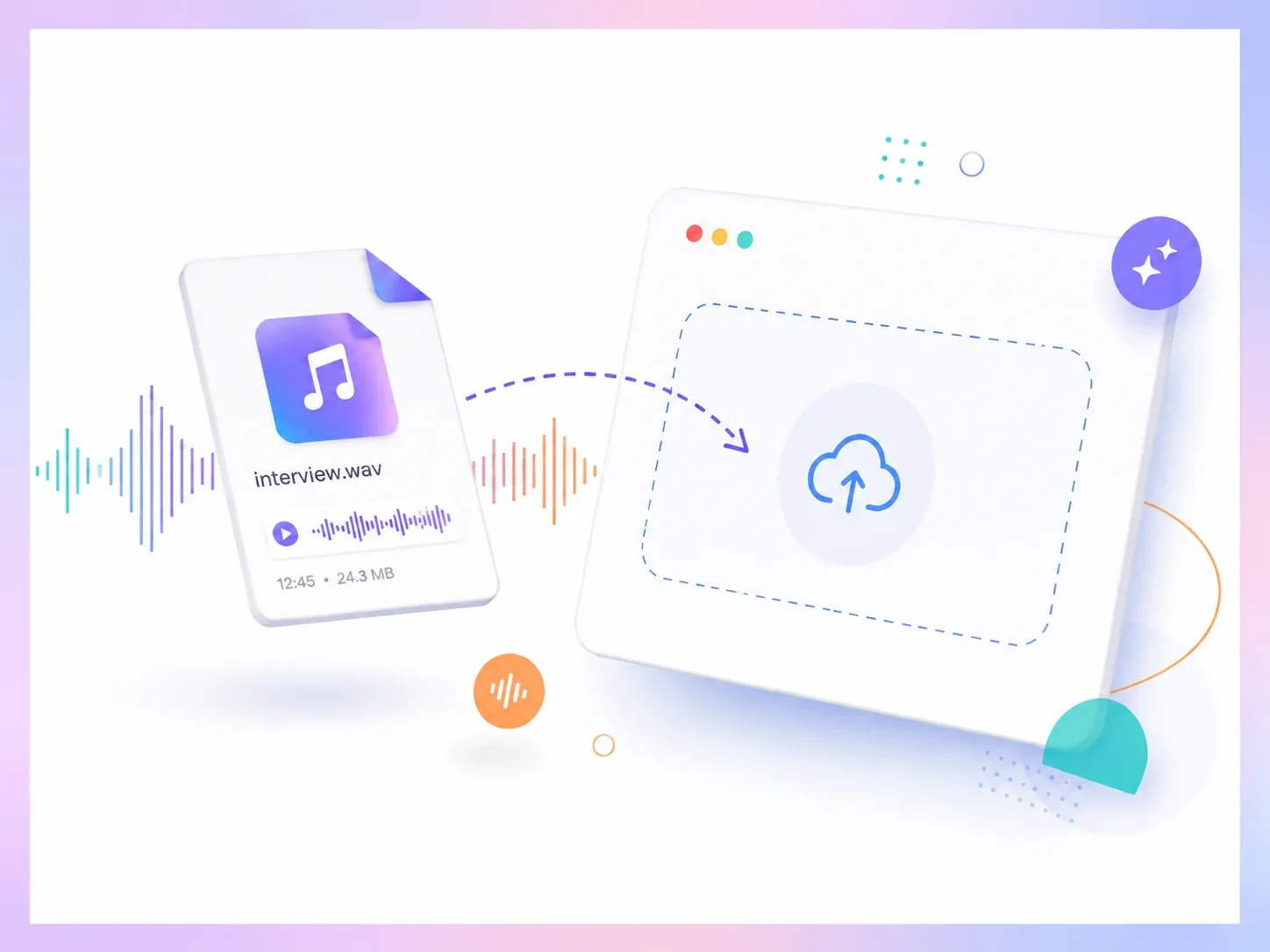
Upload any long audio file to the converter. You can also import audio links.
Step 2 - Convert audio to text
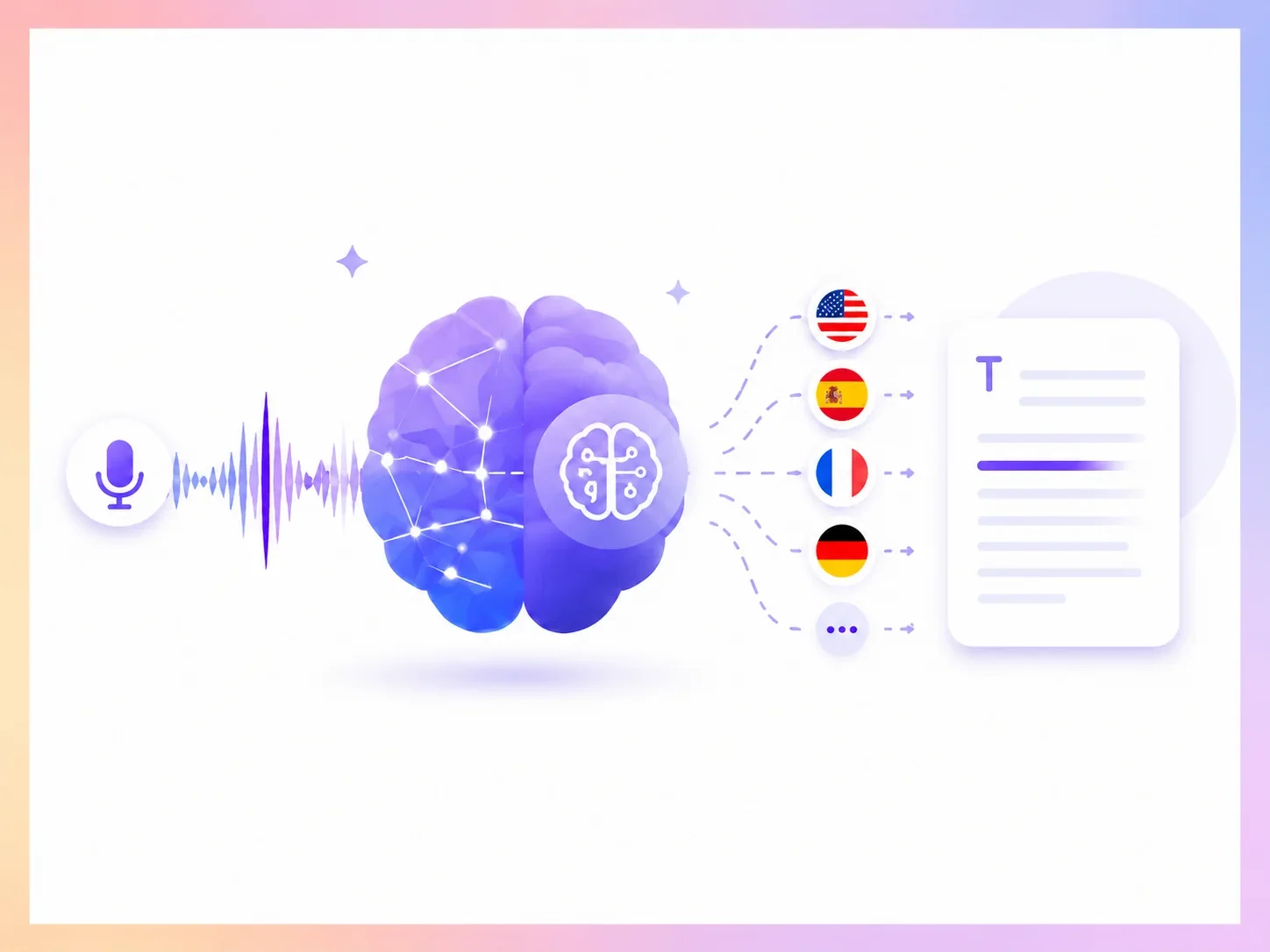
Choose the target language and click "Generate" to start the transcription.
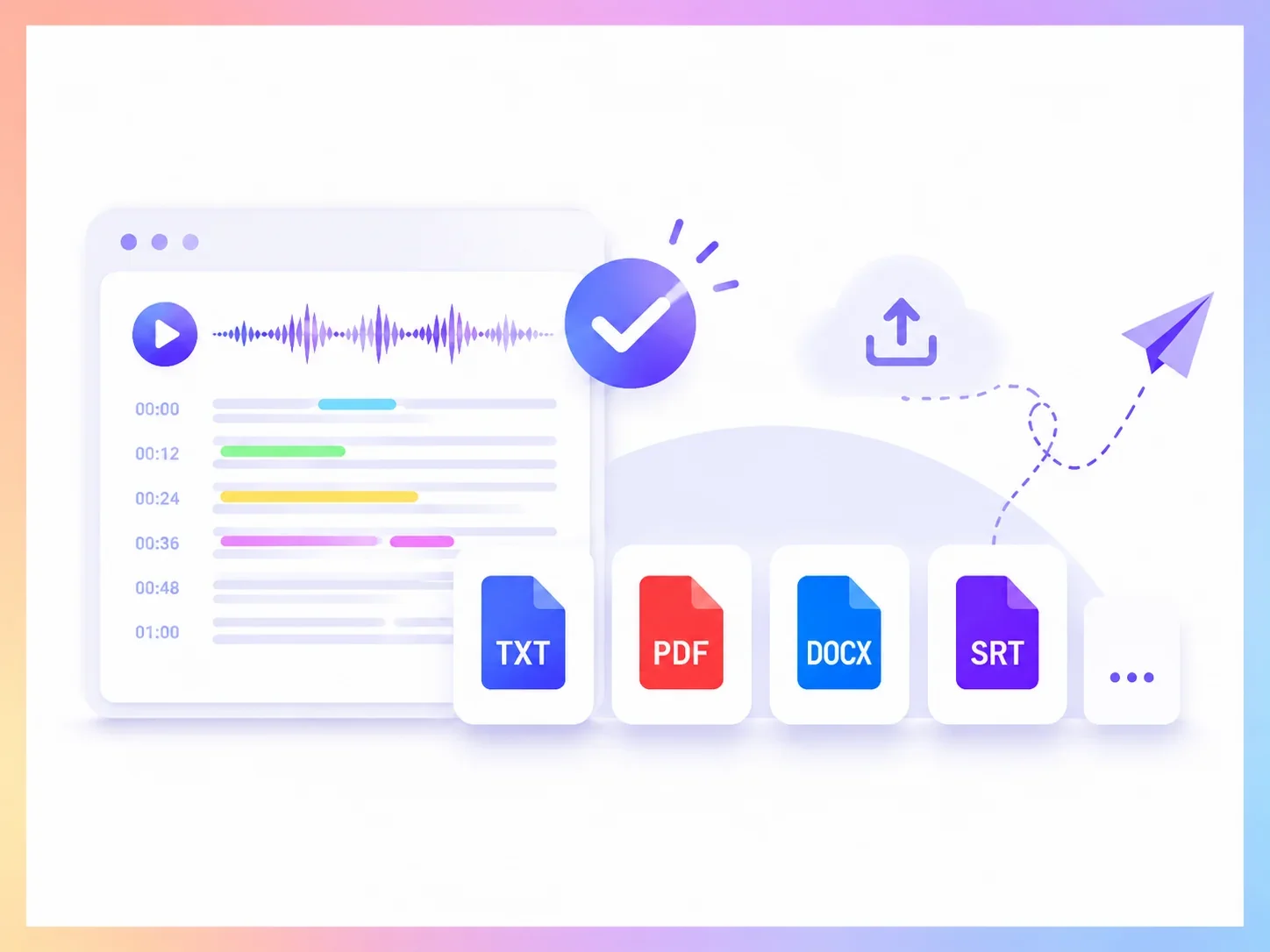
Step 3 - Review & Export
Review the transcript, save as TXT, PDF, DOCX, SRT, or any format you need, then share it.
What Users Say After They Try Our Audio to Text Converter
Average rating: 4.8 / 5 from 3617 reviews.

Laura Peterson
Journalist
"I record every interview on my phone and used to spend days typing them up. Now I transcribe audio to text on Monday and the rest of the week I actually review and learn."

Oliver Bennett
Podcast Producer
"I can use audio transcript s to find important quotes, and prepare my episodes without going through the audio multiple times."

Kenji Sato
International Student
"Lectures in English aren't my first language, and I'm not good at English grammar. I record on my phone and translate the words into Japanese."

Ruby Clarke
Researcher
"I work with hours of interviews for my research. The audio to text converter helps me search for specific information and do quantitative research."

Noah Fitzgerald
Manager
"We use AI Video Summarizer for customer meetings. Instead of worrying about taking perfect notes, our team can focus on the conversation and review the transcript afterward."

Daniel O'Brien
Creator
"I often record ideas while I'm working, and converting my voice notes into text helps me create blogs and social media posts much faster."
Start Your Free Audio to Text Transcription Today
No Account Created
100% Easy to Use
Strong Data Security