
A YouTube to MP3 converter can extract audio from YouTube videos and convert it into an MP3 file.
Online YouTube to MP3 Converter - High-Quality MP3 Downloads
Easily turn YouTube videos into MP3 online. Paste any YouTube URL into our free YouTube to MP3 converter and download lossless MP3 files in seconds.
Paste a YouTube video link
Parse the video first, then extract MP3 audio instantly.
Please ensure your downloads comply with copyright laws.This tool does not support converting copyrighted music.Legal & Non-Commercial Use Only
By using this tool, you acknowledge that downloaded audio is strictly for personal, educational, or fair use. Processing copyrighted music is prohibited and may be blocked by our system.
More Tools
Have a Favorite Video You Want to Keep Close?
We all come across YouTube videos we want to watch again, such as a favorite song, an interesting podcast, a useful tutorial, or an inspiring talk. But finding the same video again every time can be difficult and frustrating. Sometimes you may want to listen during commuting, exercising, working, or when you are away from a stable internet connection. That's why a lot of users turn to a YouTube to MP3 converter to save the audio from their favorite videos and enjoy the content.
Save MP3 in Seconds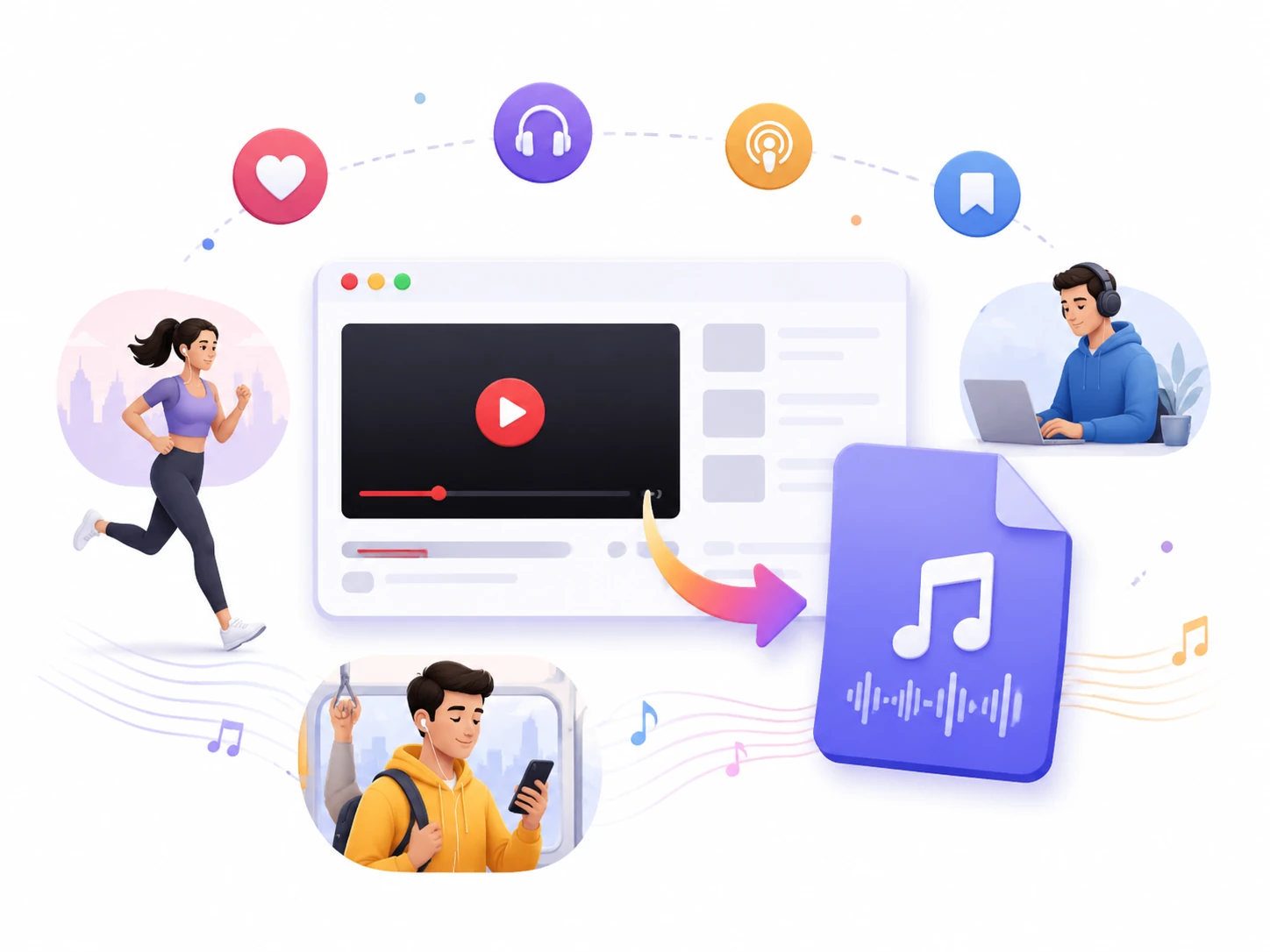
Why People Choose Our YouTube to MP3 Converter
Our free tool provides YouTube to MP3 service that combines speed, audio quality, compatibility, and ease of use in one solution.
No Conversion or Output Limits
Convert and download as many YouTube videos as you need without daily limits.
Fast & Reliable Processing
Enjoy quick conversions with a smooth experience, even when processing longer videos.
High-Quality Audio Output
Get clear and detailed audio with support for MP3 files up to 320kbps.
One Converter, Many Content Types
Handle a wide range of YouTube content, including songs, podcasts, lectures, and more, using the same workflow.
Easy-to-Use & Clean Interface
Convert YouTube videos to MP3 in just a few steps. No unnecessary downloads or intrusive pop-ups.
Totally Safe & Private to Use
Your personal data remains private. We never access, view, or collect your YouTube account information.
How to Convert YouTube to MP3 Easily in Three Steps
Follow three simple steps to turn your favorite YouTube videos into MP3 audio files.
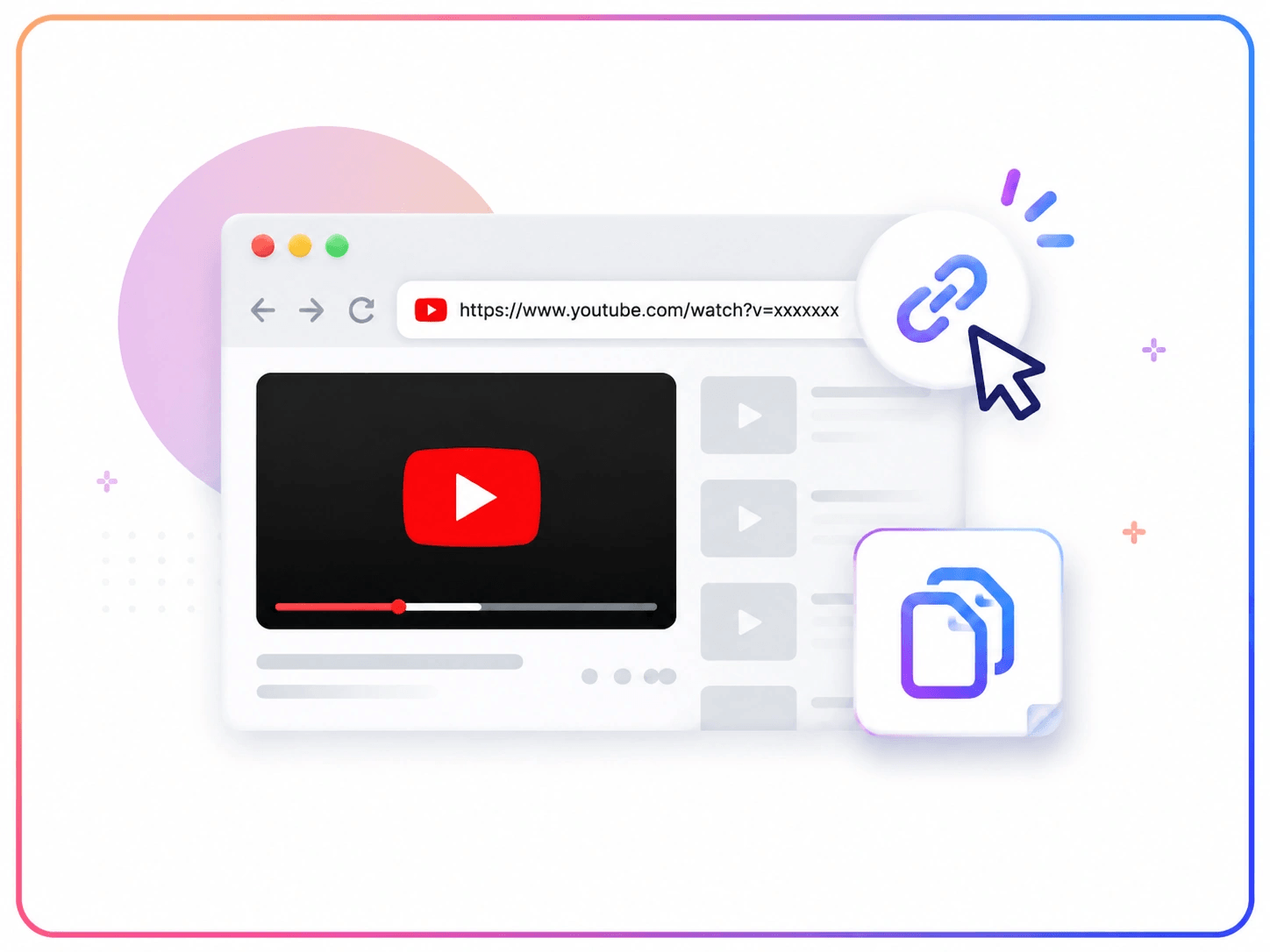
Step1 - Search & Copy the YouTube URL
Find the YouTube video you want to convert and copy its URL.
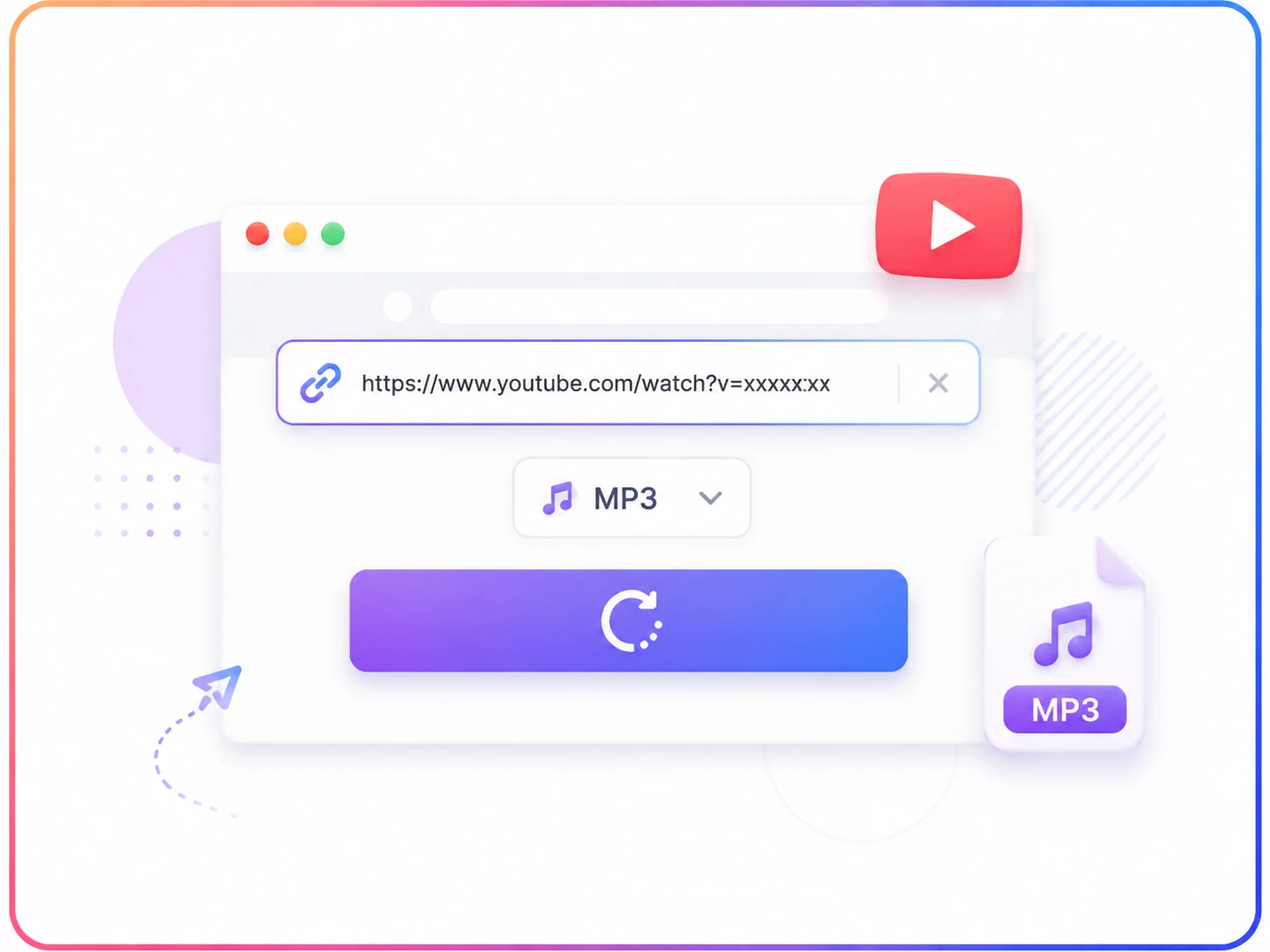
Step2 - Enter the URL
Paste the YouTube link into our YouTube to MP3 converter and start the conversion.
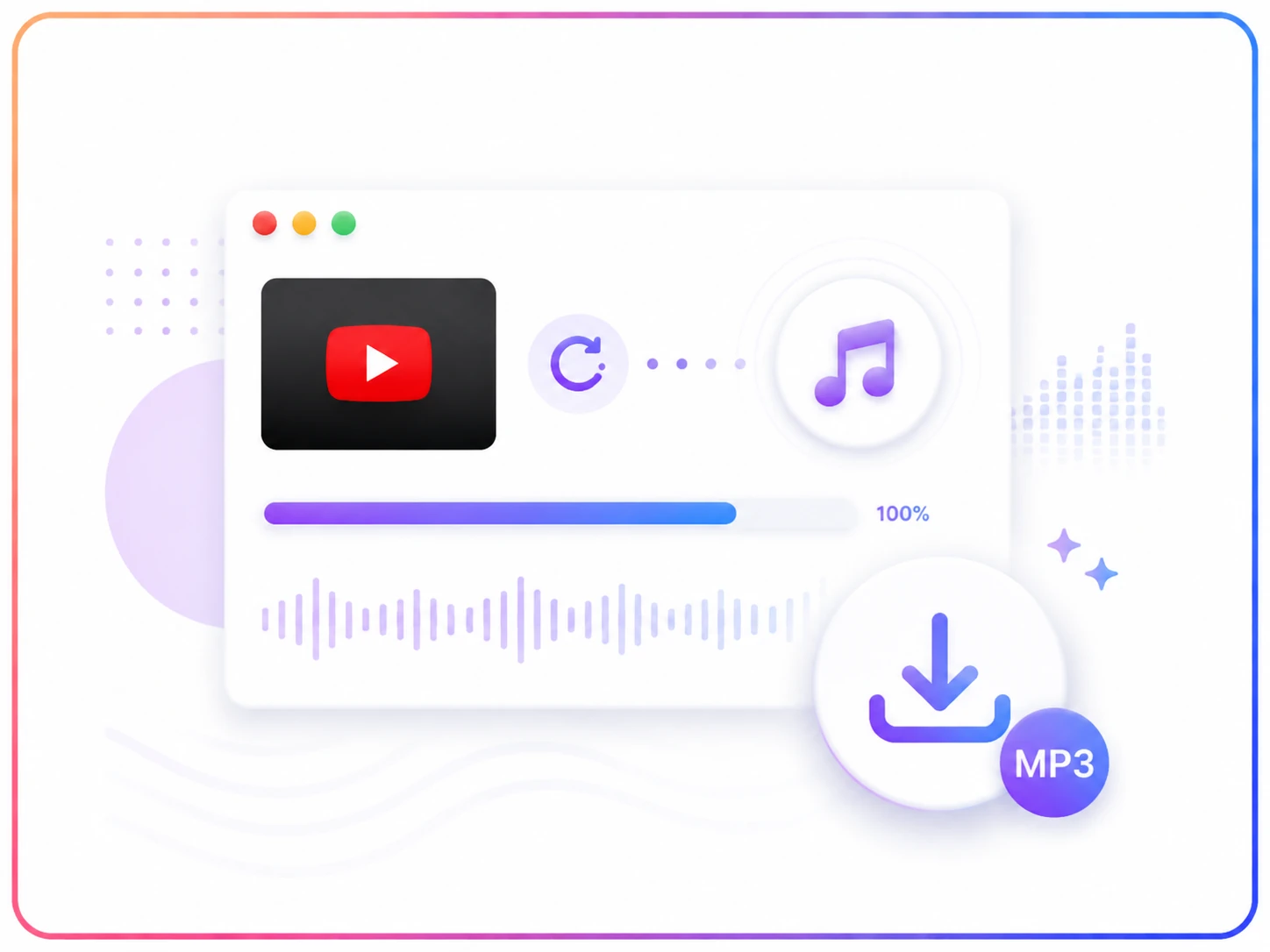
Step3 - Download MP3
Wait a few seconds, then download your high-quality MP3 audio file.
What Can You Do with Our YouTube to MP3 Converter?
Convert YouTube Videos into a Widely Supported Audio Format
Not all devices or media players support YouTube videos and there might be compatibility problems. MP3 remains a popular audio format because it works smoothly with almost any device and player. When you only need the audio from a YouTube video, an MP3 file is often a more practical choice. It takes up less storage space than a video file to manage, transfer, and play across different devices.
Convert YouTube to MP3 Now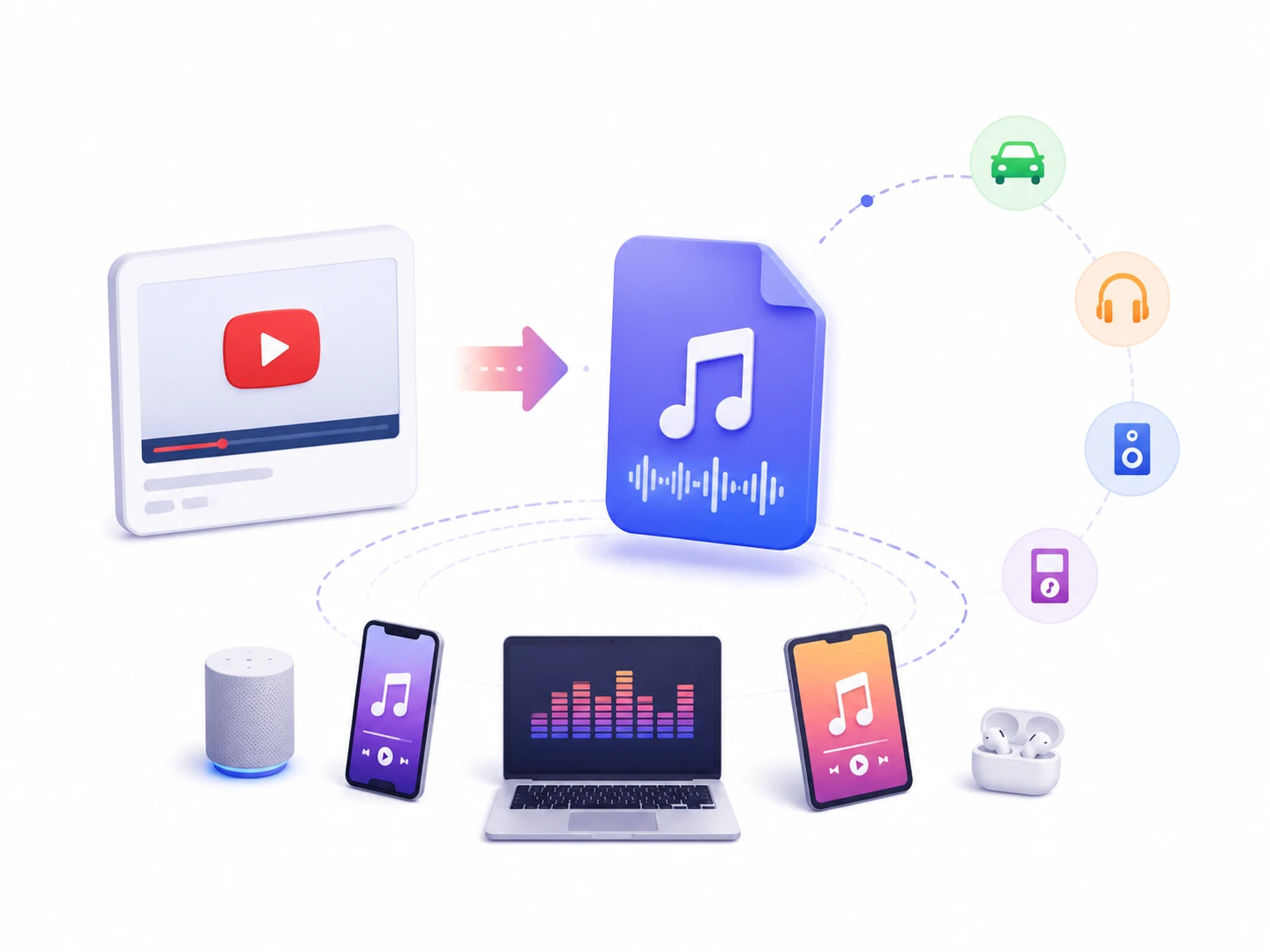
Enjoy YouTube Content Offline After YouTube to MP3 Conversion
Internet access is not always available when you want to enjoy your favorite content. During a flight, a long commute, or in areas with a weak connection, online activities may become inconvenient or interrupted. Having your favorite content available as MP3 files gives you an easier way to pass the time with music, podcasts, or other audio you enjoy.
Save as MP3
Download YouTube Videos to MP3 and Create Audio Collections
You can discover valuable music, interviews, podcasts, and educational content on YouTube. Over time, these favorite videos can become scattered across different playlists and channels, which makes it difficult to organize and manage the content you want to keep. With a YouTube to MP3 tool, you can sort your audio files by category and create collections based on personal interests. It is a more organized way to manage and find specific content in the future.
Get Your MP3 File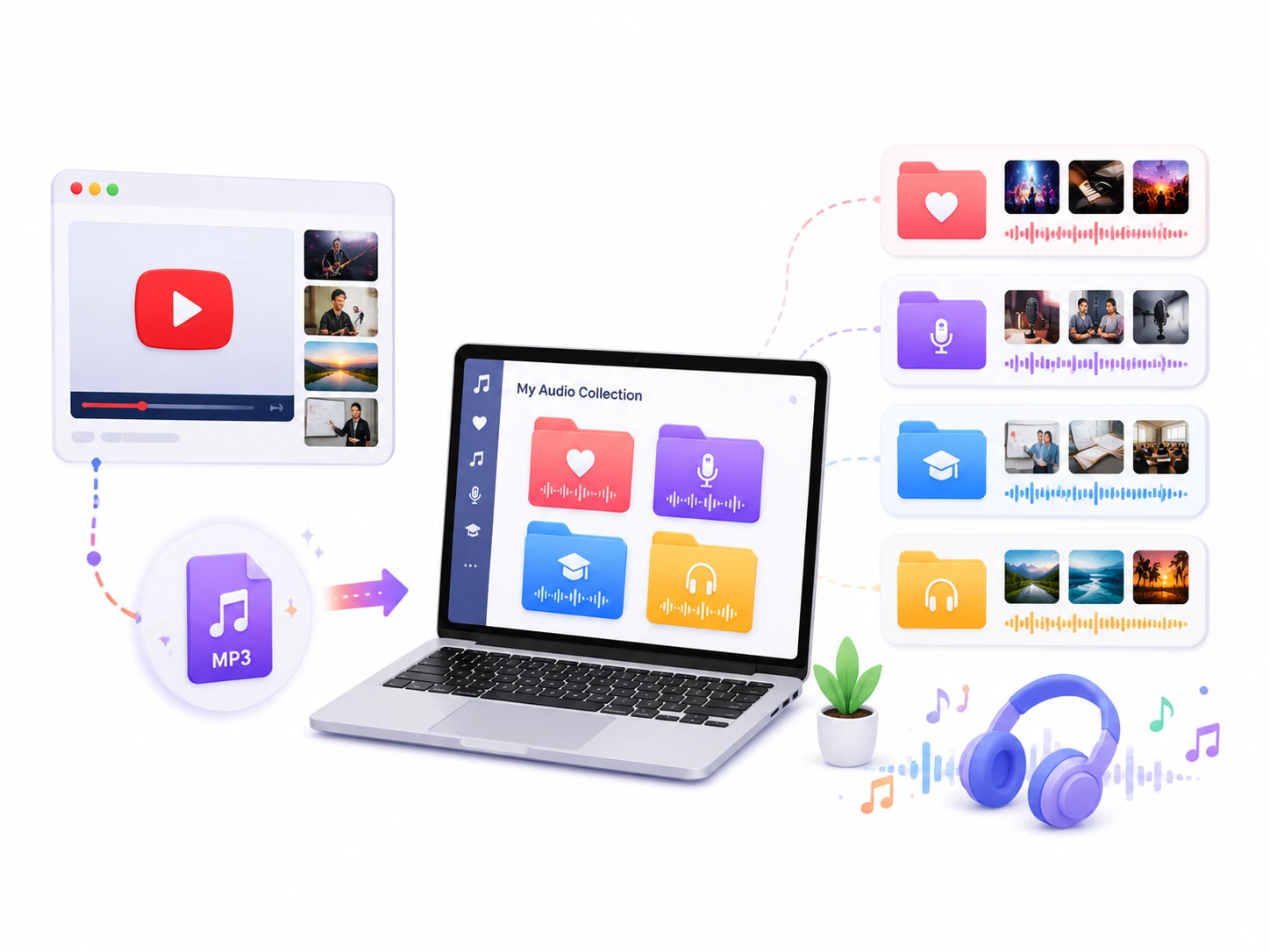
Keep Converted MP3 Files for Long-Term Access
YouTube content can change over time. A video you enjoy today may become unavailable later because it is removed by the creator, taken down from the platform, or no longer accessible for various reasons. You can keep the audio file on your own device if you transform YouTube videos into MP3. It is no longer affected by changes to the original content. Your downloaded MP3 files remain available as long as you choose to keep them.
Free MP3 Download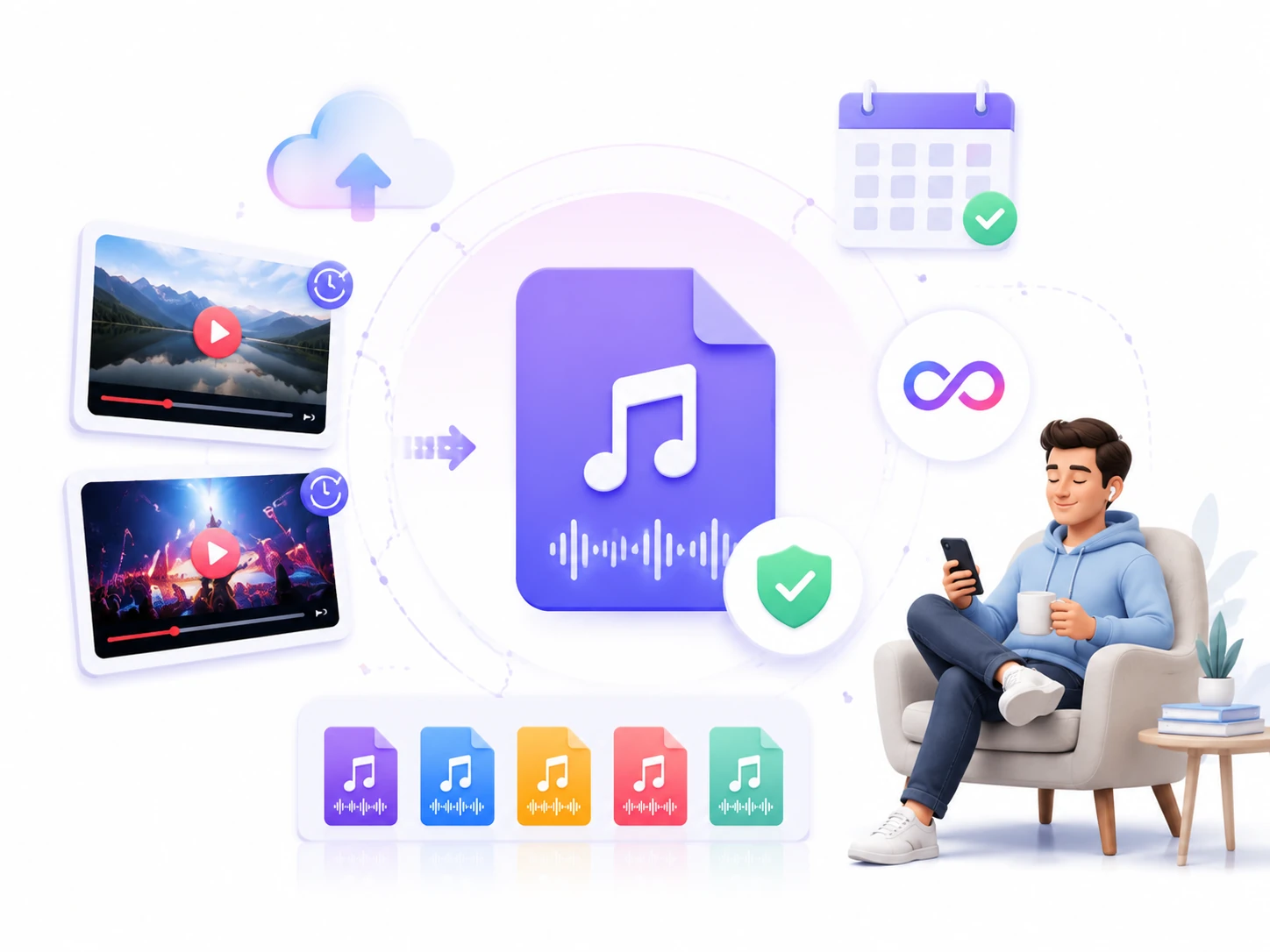
Loved by Users Worldwide
Our free YouTube to MP3 tool has earned a reputation among users worldwide. Discover what they say about their experience.
My daily commute takes almost an hour, so I like listening to interviews and podcasts on the way. This converter helps me turn YouTube videos into audio files quickly.

Priya Sharma
Marketing Manager
Before long trips, I like to save some podcasts and educational videos so I can listen to them while traveling or when the signal is weak.

Lily Evans
Frequent Traveler
I often watch online lectures and educational videos on YouTube. Converting important content into MP3 files allows me to review lessons anytime.

Hana Sato
Student
Creating videos often requires collecting audio references and reviewing different content. This YouTube to MP3 converter can extract audio while keeping the quality.

Olivia Bennett
YouTuber
I enjoy discovering new music and playlists on YouTube. This converter helps me save my favorite tracks as MP3 files so I can listen to them whenever I want.

Noah Thompson
Music Lover
I regularly use online videos as additional learning materials for my students. Converting selected content into MP3 files helps me prepare resources more efficiently.

James Anderson
Teacher
Before You Convert
Read these guidelines to ensure responsible and lawful use of our YouTube to MP3 converter.
Use Authorized Content
Make sure you have the necessary rights before converting, especially when the material belongs to another creator or copyright holder.
Respect Copyright
Make sure you have the necessary authorization before using, sharing, or distributing copyrighted content.
Follow Platform Rules
Use this converter in accordance with YouTube's Terms of Service and applicable laws.
Support Content Creators
Show your support by watching the original video on YouTube, leaving a like, and subscribing to the creator's channel.
FAQ — YouTube to MP3 Converter
Find answers to common questions about our YouTube to MP3 converter, including how it works, supported formats, audio quality, safety, and other details about the conversion process.