Free YouTube Transcript Generator – Transcribe 2-Hour Videos in 5s

No need to download YouTube videos, just copy the link and get your YouTube transcripts in seconds with our free online YouTube transcript generator. No sign-up required.

Frustrated with slow or length-limited tools for transcribing long YouTube videos?

Why not try AI Video Summarizer? Even for long YouTube videos like 1–2 hour interviews or TED talks, it won't slow down our YouTube transcript generator. You can get the full transcript in just seconds and copy or export it with timestamps online.

Transcribe YouTube Videos for Free>>
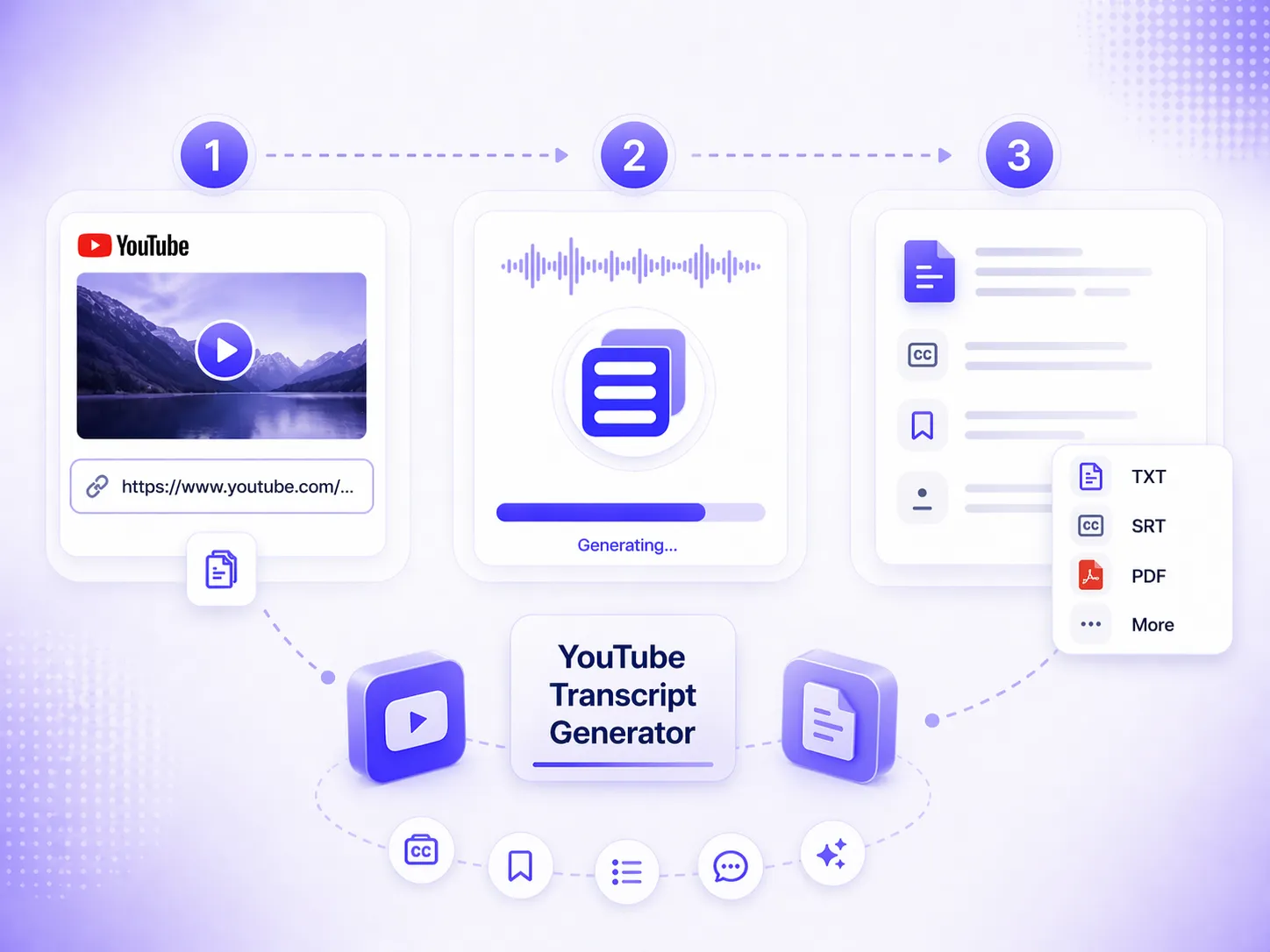
Frustrated with slow or length-limited tools for transcribing long YouTube videos?

How to Get Transcript from YouTube Videos for Free?

1

Copy and paste the YouTube link

Upload your YouTube video link. YouTube Shorts are supported too, with no limits.

2

Convert YouTube to Transcript

Click start and the rest of the transcript generation process is fully automated. Please wait patiently.

3

Export content for your needs

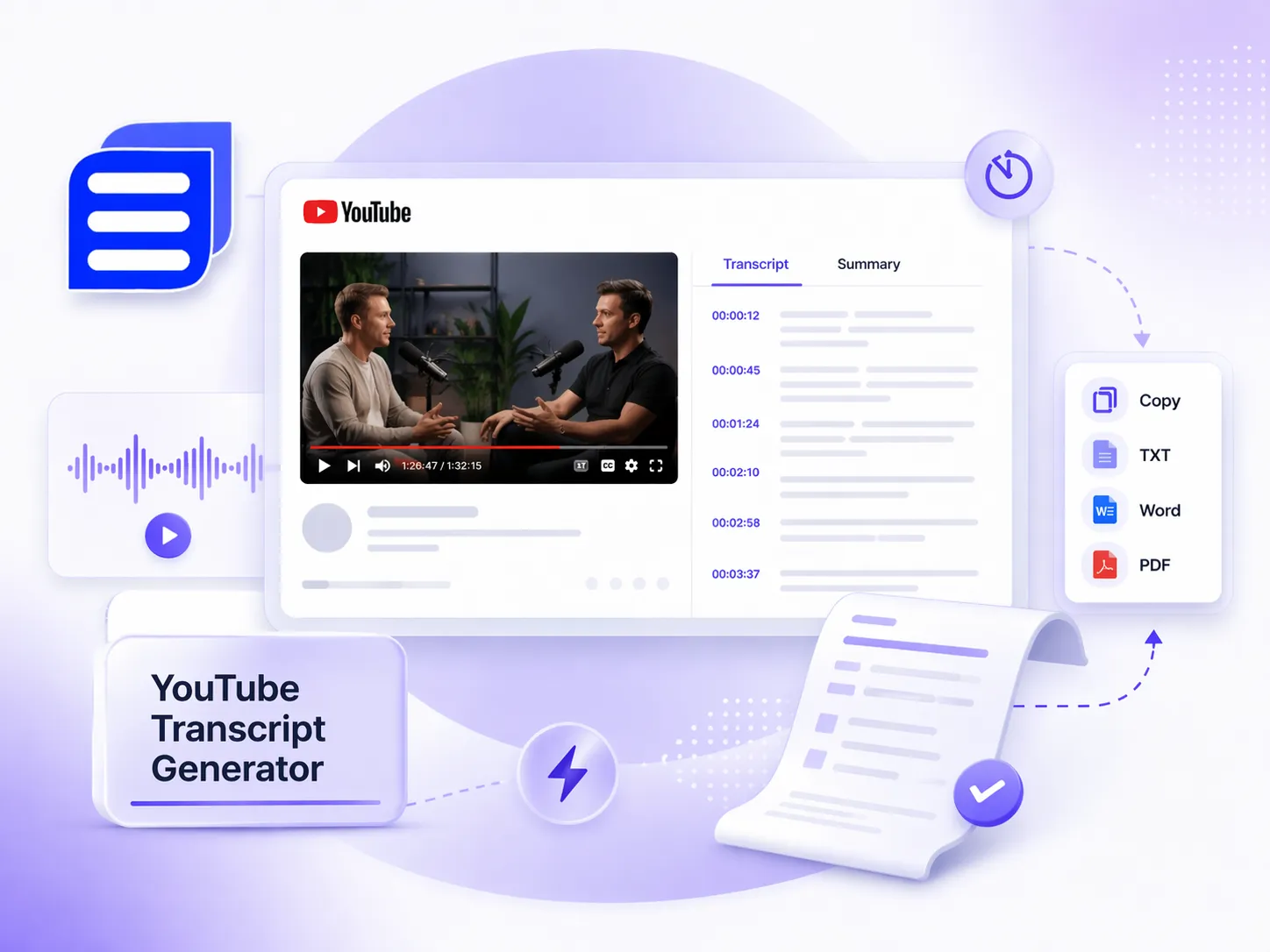
Besides transcripts, you can also download subtitles, chapters, and more based on your needs, or further summarize the transcript.

How to Get Transcript from YouTube Videos for Free?

Get Accurate YouTube Transcripts Even Without Captions

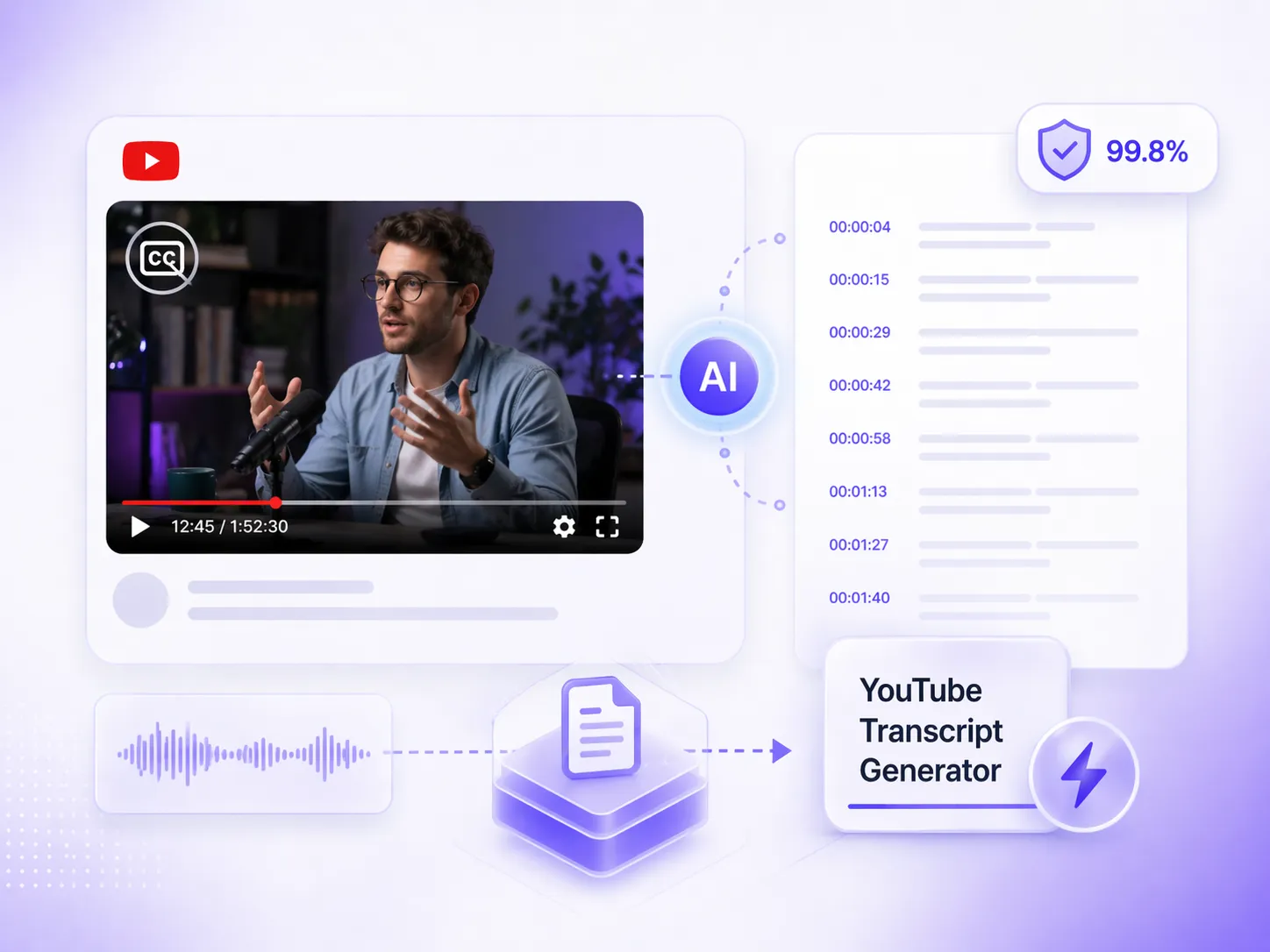
Many YouTube videos don't have captions, and auto-generated subtitles often miss or mishear words. In this case, our YouTube transcript generator can generate high-accuracy transcripts directly from the video content, even without any original captions. With up to 99.8% accuracy, it preserves the video content as much as possible and helps you quickly get a readable transcript.

Get Accurate YouTube Transcripts>>
Get Accurate YouTube Transcripts Even Without

Easily Transcribe YouTube Videos to Text in 100+ Languages and Dialects

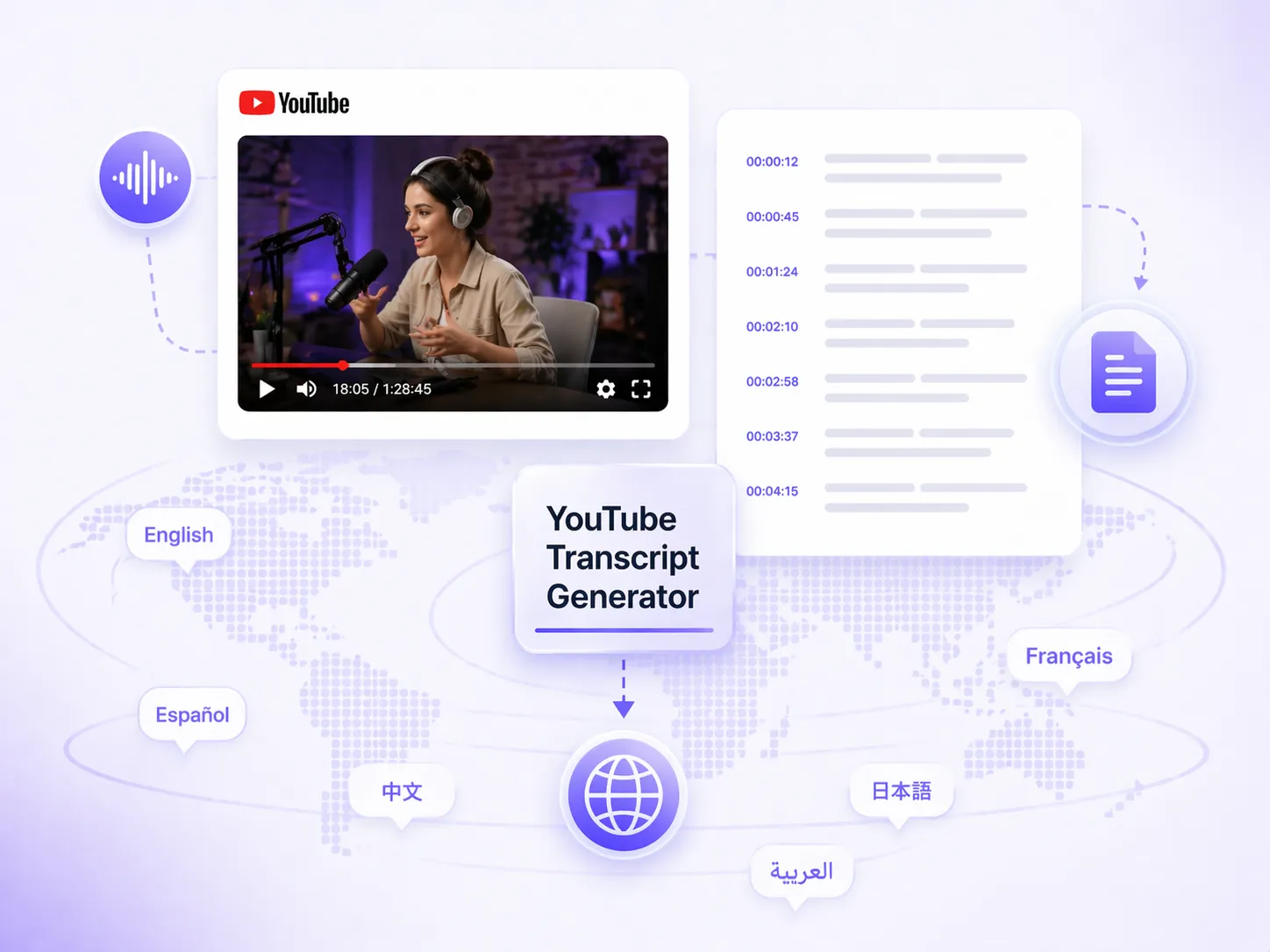
No matter what language or dialect the YouTube video is in, our YouTube transcript generator can easily recognize and convert it into the corresponding text. It supports over 100 languages and regional dialects, making cross-language learning and content understanding easy and efficient.

Try YouTube Transcript Generator>>
Easily Transcribe YouTube Videos to Text in 100+ Languages and Dialects

Generate Searchable Transcripts with Timestamps for Quick Access

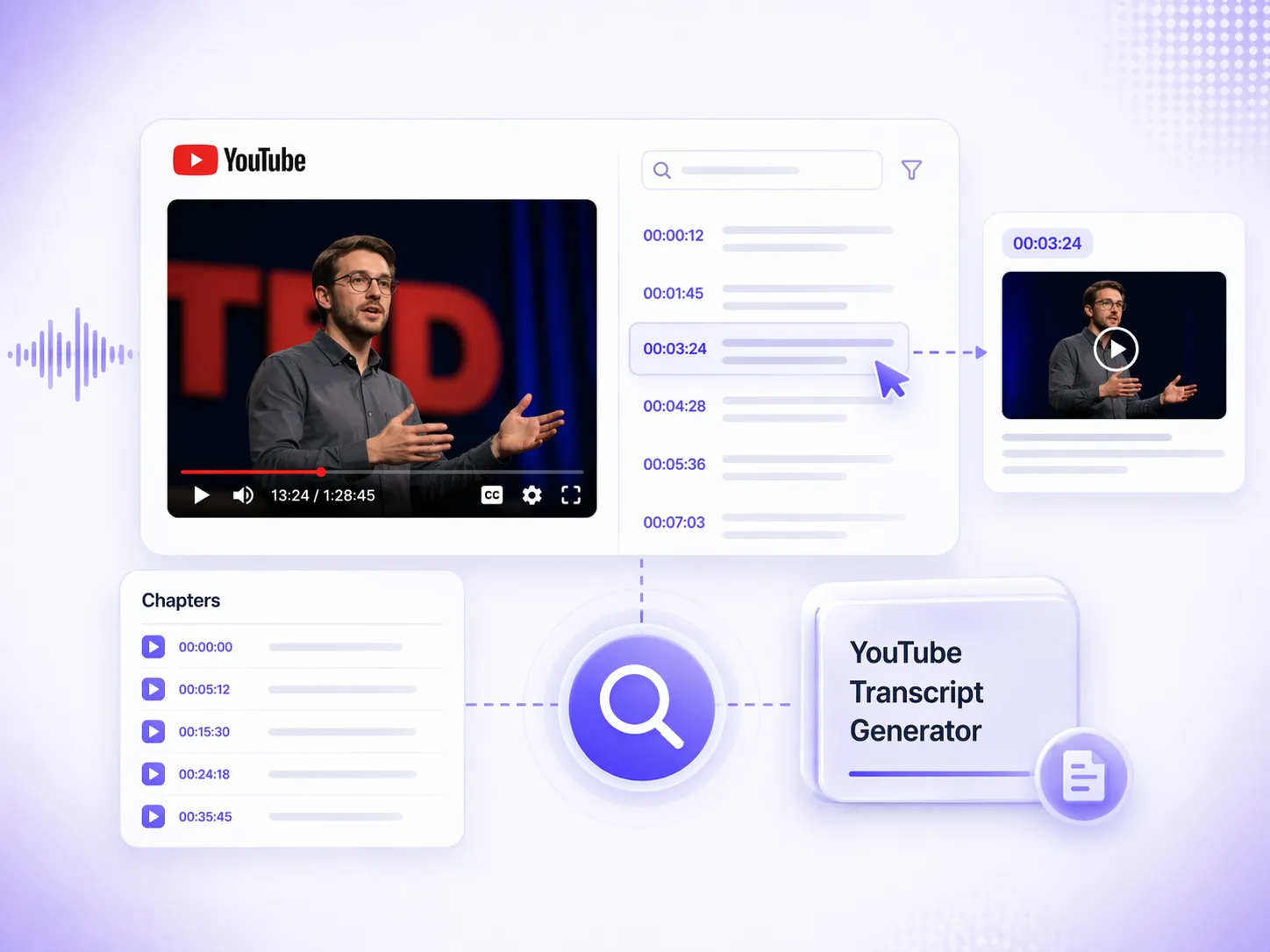
Searching for specific information in 1–2 hour TED videos is often very time-consuming. With our free YouTube transcript generator, you not only get a full transcript, but also automatically generated clear timestamps. You can directly jump to the exact moment where a keyword appears, making it easy to review key points. At the same time, our YouTube video to text tool also generates chapters, making long videos more structured and easy to access.

YouTube Transcripts with Timestamps>>
Generate Searchable Transcripts with Timestamps for Quick Access

Hear What Users Say About Our YouTube Transcript Generator

I often publish course videos on YouTube, and for 2-hour videos, manually organizing lecture notes takes a lot of time. This YouTube transcript generator has been really helpful, it generates transcripts in one click, and I can directly reuse them in my course materials without any editing.

Emily Carter

Emily Carter

Online Course Creator

I often use this YouTube to transcript tool to organize interviews and industry content. In the past, taking notes while watching videos was very inefficient. Now I can quickly convert long videos into structured text, which is very convenient. I can also go a step further and summarize the content, extracting key points from long videos in one click.

David Kim

David Kim

Marketing Content Strategist

This YouTube transcript generator has completely exceeded my expectations. I no longer need to scrub through the progress bar to find key points. I can just get the full transcripts and use the timestamps to quickly locate information. It has greatly improved my study efficiency and made note-taking much easier.

Sophia Martinez

Sophia Martinez

University Student

YouTube Transcript Generator FAQs

If you have any questions about our YouTube to transcript tool, please contact us via email for feedback.