




Bulk Transcript Download
Batch processing YouTube videos at once, including entire playlists or full channels, so you don't need to copy and paste links one by one.
No need to download transcripts one video at a time anymore. Our free YouTube transcript downloader supports bulk downloading of transcripts from YouTube playlists or entire channels, just paste your link below.
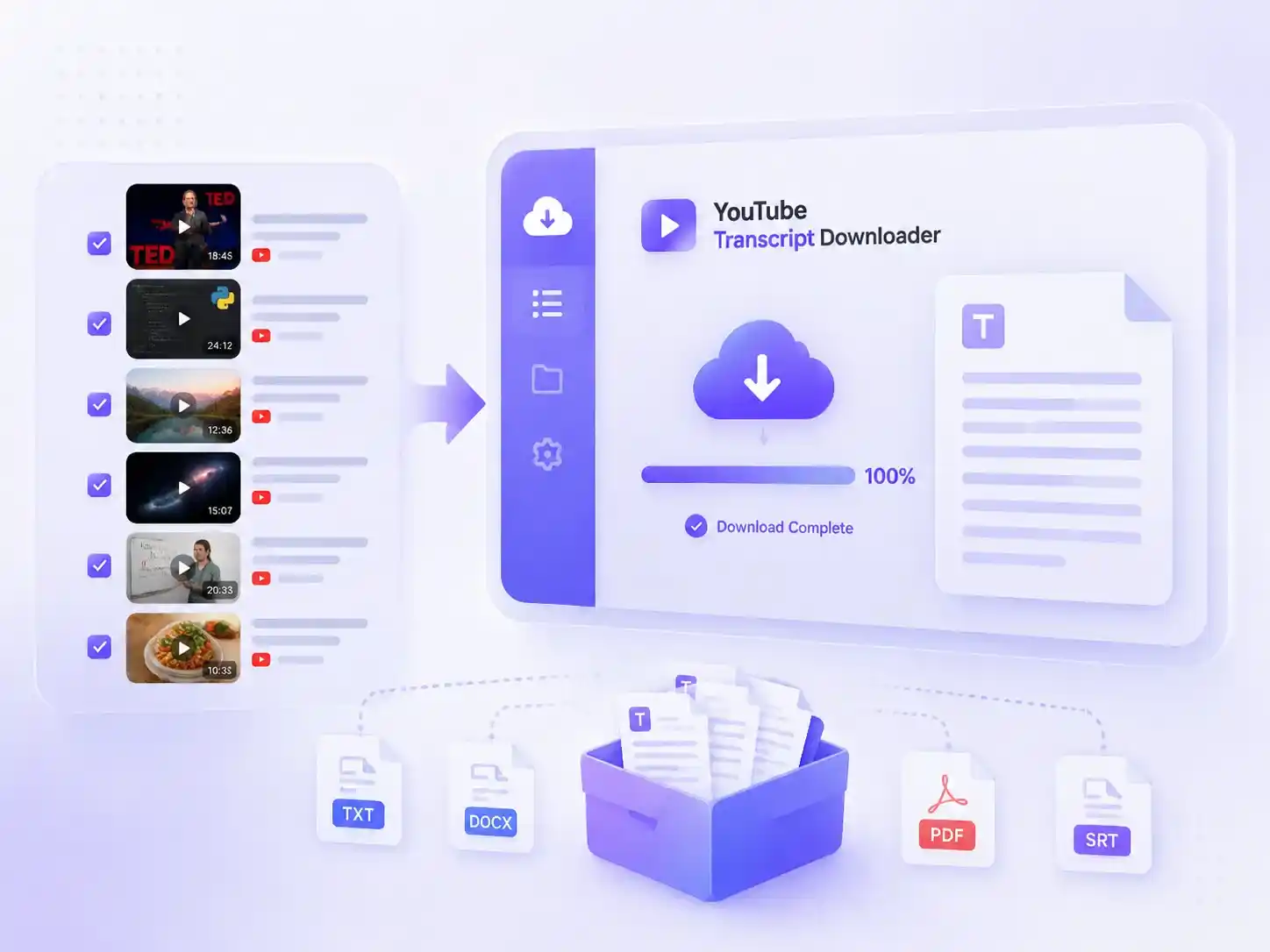
Our YouTube transcript downloader is built to meet all your expectations, from quality to ease of use, making YouTube transcript downloads simple and effortless.
Batch processing YouTube videos at once, including entire playlists or full channels, so you don't need to copy and paste links one by one.
Supports multiple export formats such as SRT and TXT, with optional timestamps that you can enable or disable flexibly.
No usage limits or download caps, so you don't have to worry about quotas and can use it freely anytime.
Completely free to use, with no subscription plans or hidden fees. Just open the YouTube transcript downloader and start using it directly.
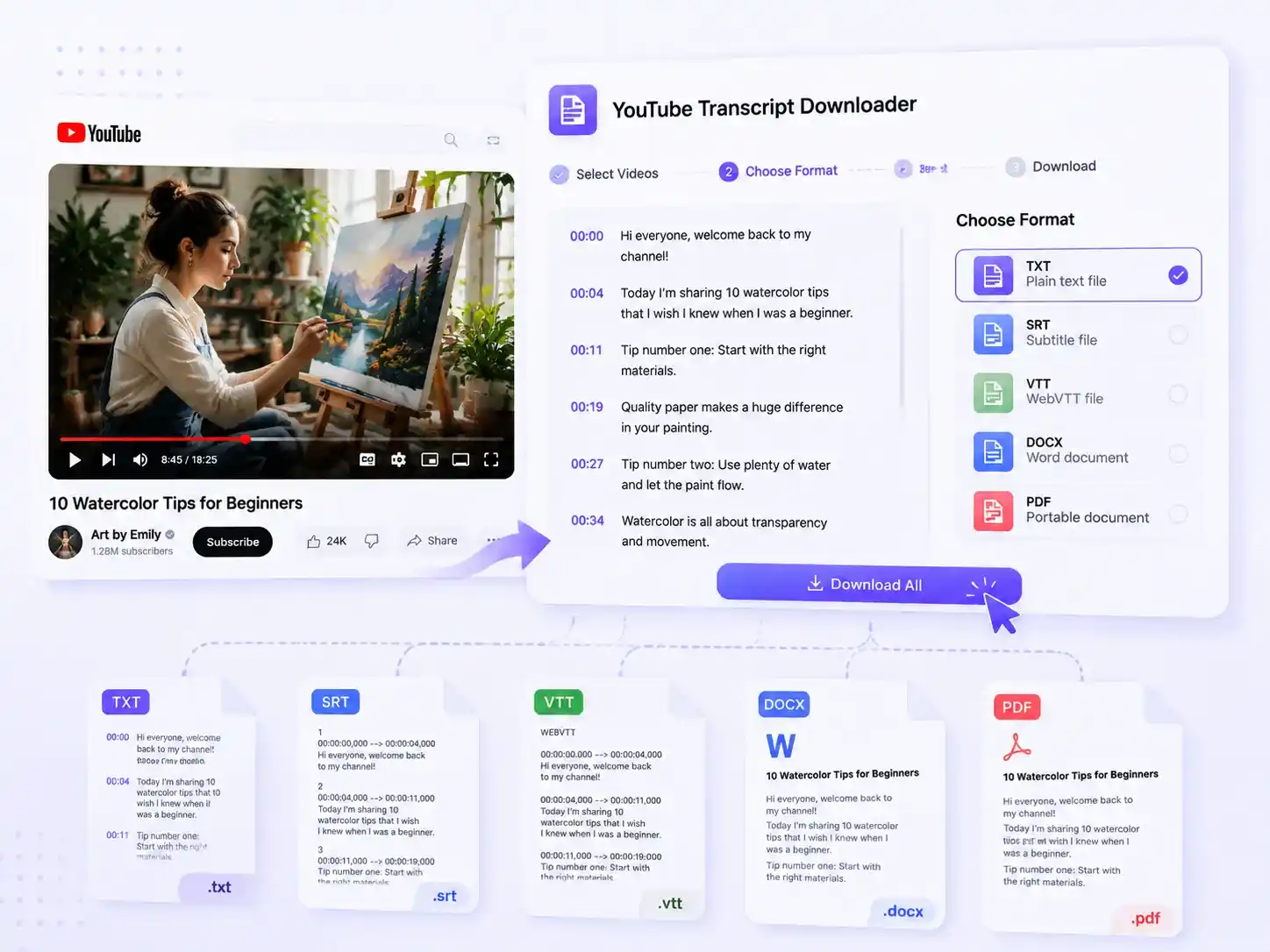
Different scenarios require different formats. For example, TXT is suitable for quickly organizing notes, while SRT is ideal for subtitle editing. With our YouTube transcript downloader, you can choose your preferred download format while getting YouTube video transcripts, and export everything in one click, without needing any additional tools for further processing.
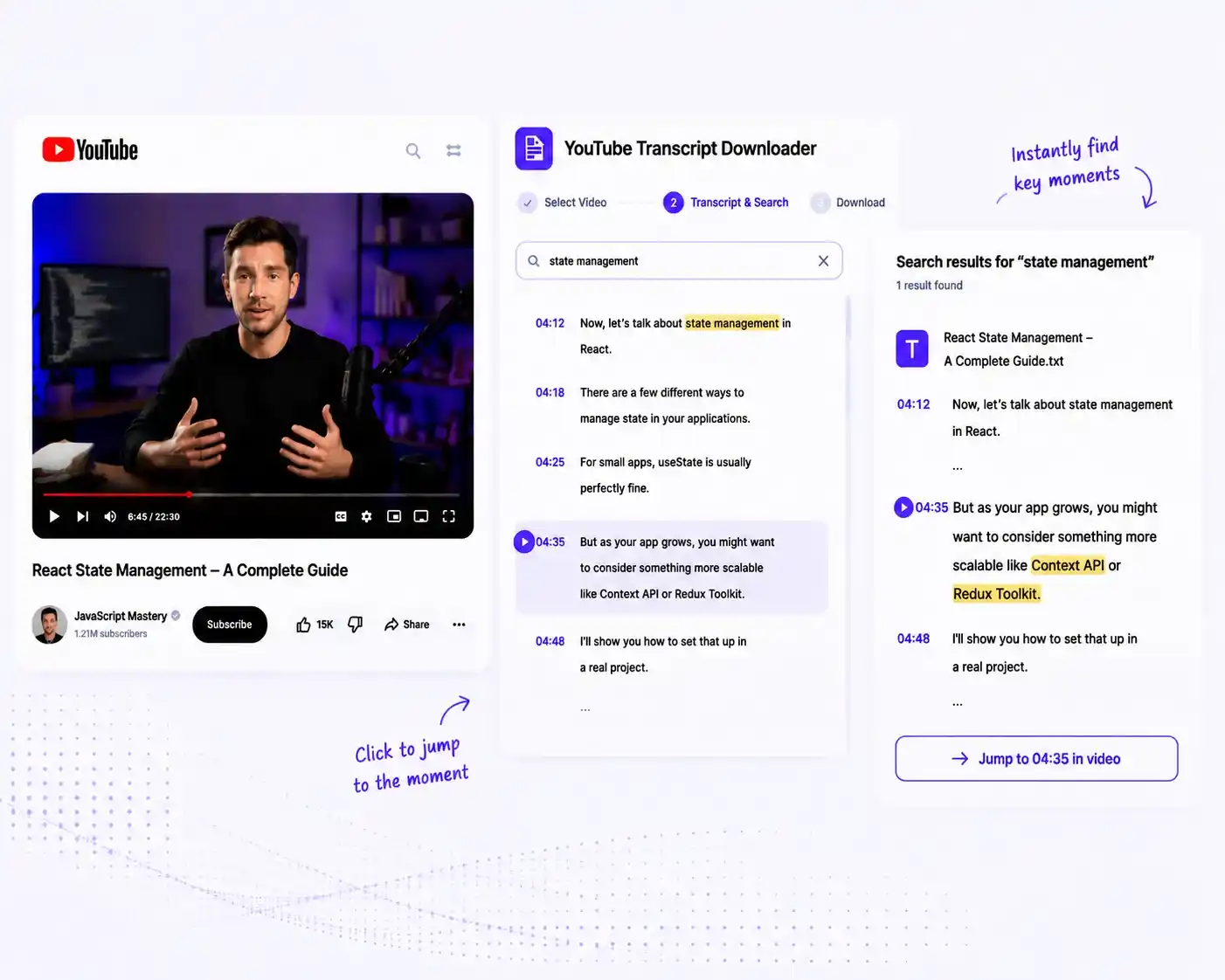
After exporting transcripts, they are often just long blocks of text, and finding a specific key point still requires manually scrolling through the content. With our YouTube transcript downloader, timestamps remain searchable during the download process, allowing each segment to be quickly located and retrieved, helping you find exactly the part you need much faster.
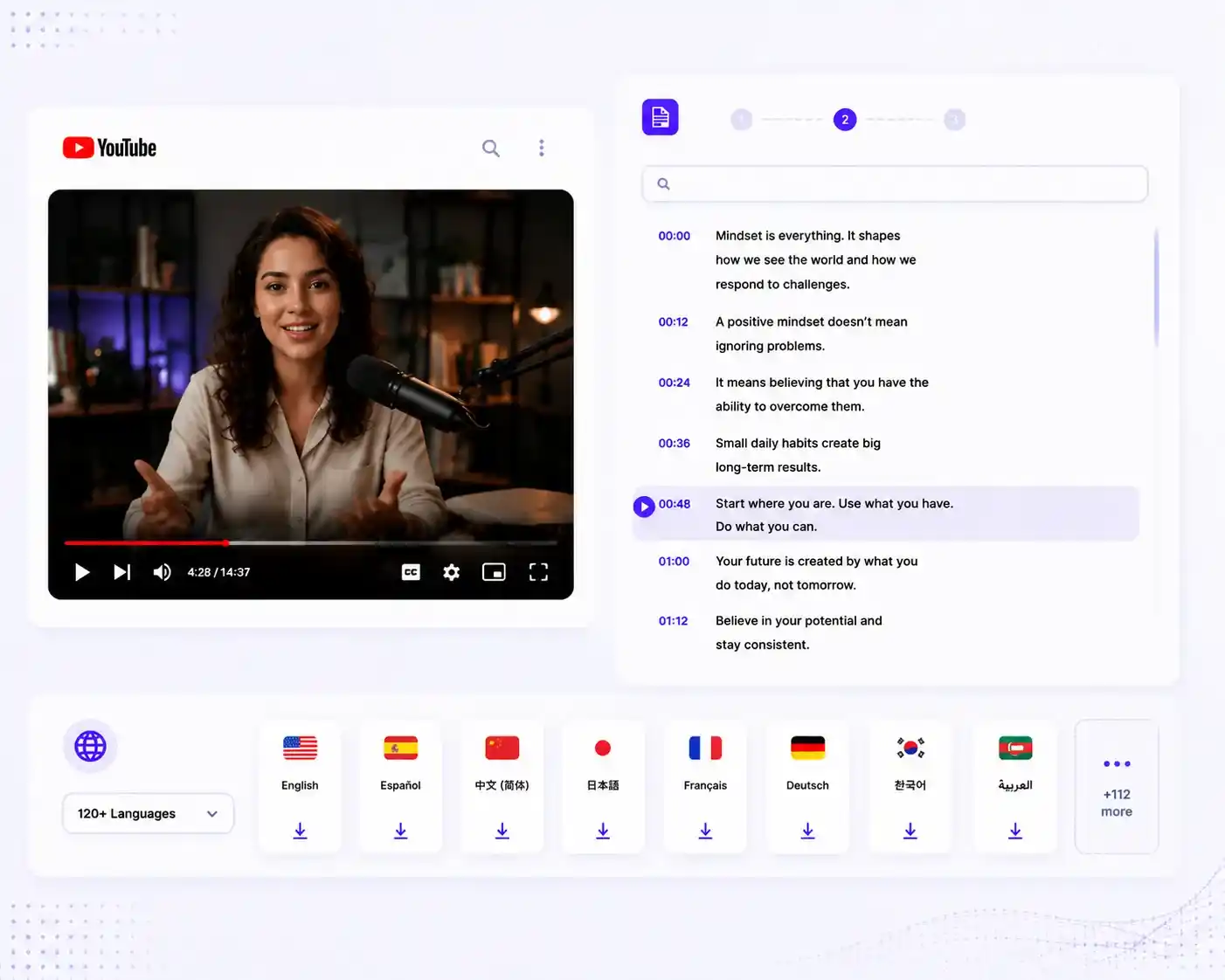
YouTube videos are not limited to a single language but cover a wide range of multilingual content. Our YouTube transcript downloader allows you to download transcripts in multiple languages and export them in 120+ language versions, making it easier for further comparative learning or content repurposing.
Copy and paste your YouTube video or playlist link, then choose the output language or simply keep the default to match the original video language.
Click the button and wait a few seconds. Our YouTube transcript downloader will process your request and generate the transcript automatically.
Choose the download format you need, including common formats like TXT, SRT, and PDF. You can also choose whether to include timestamps.
"Earlier, I used to take notes while watching YouTube courses, which was pretty inefficient. Now I just paste the video link, get the full transcript, and export it to organize key points, saving a lot of repetitive work."

Michael Turner
"I often need to reference other people's YouTube videos for content creation. With this YouTube transcript downloader, I can download transcripts in bulk, then filter through them to find materials and write scripts much faster."

Sophia Bennett
"Using this YouTube script extractor to generate, download, and translate YouTube transcripts is very convenient, and it also supports exporting with timestamps. For me, it's especially useful for organizing reports and referencing information, saving a lot of time."

Daniel Brooks
YouTube transcript downloader is a free tool that allows you to extract and download transcripts from YouTube videos or playlists by simply pasting a link. It helps you turn video content into readable text that you can save, copy, or reuse
Yes, It's completely free to use, with no usage or download limits.
Yes, it supports single videos, playlists, or even entire channels. Our YouTube transcript downloader processes everything in just a few seconds.
Yes. You can choose whether to include timestamps when exporting transcripts, depending on your needs.
Our YouTube transcript downloader supports many common download formats, such as TXT, SRT, PDF, and more.
Generally, it reaches up to around 90% accuracy, but performance may be affected when pronunciation is unclear or background noise is strong.
Use our YouTube Transcript Downloader to quickly extract and download transcripts from YouTube videos. Turn video content into accessible text for research, study, content creation, and more.