
Free YouTube Subtitle Generator
Generate accurate subtitles from videos with our auto subtitle generator online, even for YouTube videos without subtitles. No length limits, try it for free!
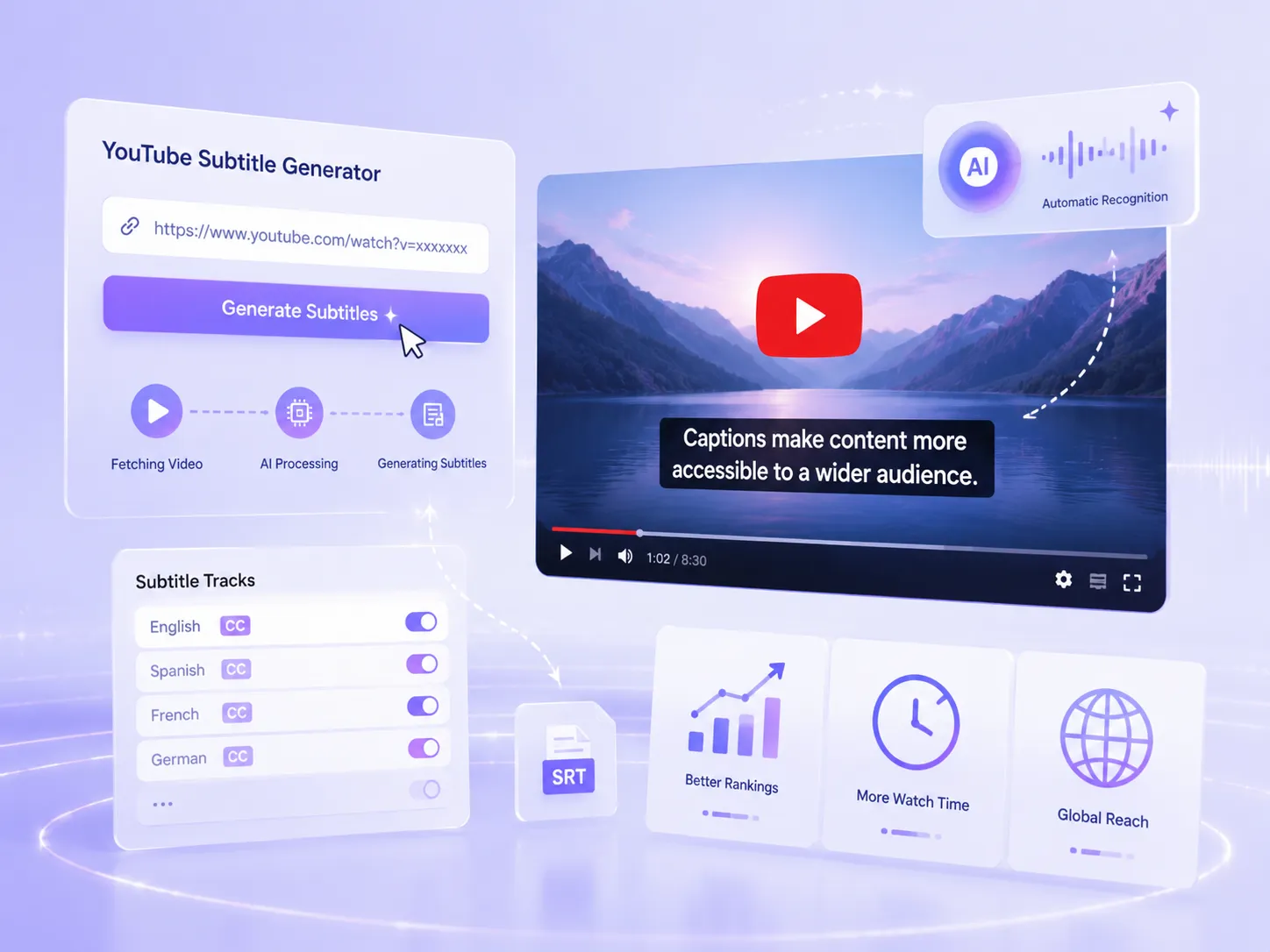
Why Subtitles Matter for YouTube Videos?
Many creators tend to focus on video shooting, editing or thumbnails while overlooking one of the most important factors that affects viewing experience subtitles. In fact, over 50% of YouTube users turn on captions when watching videos, especially when they struggle to understand a creator's accent or speaking speed. Subtitles not only help viewers better understand the content but also directly impact watch time and content reach. Without subtitles you are essentially losing a significant portion of your potential audience.
Get Auto Subtitles for VideosWhat Makes Our YouTube Subtitle Generator Stand Out?
No more manually organizing subtitles. Our automatic YouTube subtitle generator creates subtitles with just one click, faster and with higher accuracy, and with no length limits. Compared to tools that can only process videos up to 60 minutes, it is much more flexible and practical.
100+ Languages and Dialects
Supports 100+ languages for both input and output, including dialects, making it easy to handle different accents and speech styles.
No Video Length Limits
No length limits, even YouTube videos that are several hours long are fully supported with near-instant generation.
High Accuracy
Our YouTube subtitle generator delivers near-human accuracy, subtitles are ready to use with minimal or no editing.
Works for Any Video
Works for both YouTube videos with or without existing subtitles, with generated subtitles ready for use, learning, and content creation.
Auto Subtitle Generation with Minimal Effort
When dealing with long video subtitles, manually adding captions is often tedious and time-consuming. Our YouTube subtitle generator allows you to achieve maximum efficiency with minimal effort. With almost zero learning cost, you only need to paste a video link to automatically generate subtitles, and the process is completed within seconds, improving efficiency by dozens or even hundreds of times.
- Indexed subtitles can help improve your YouTube search ranking.
- Subtitles can boost watch time for viewers who prefer captions.
- Multi-language subtitles increase your content's global reach.
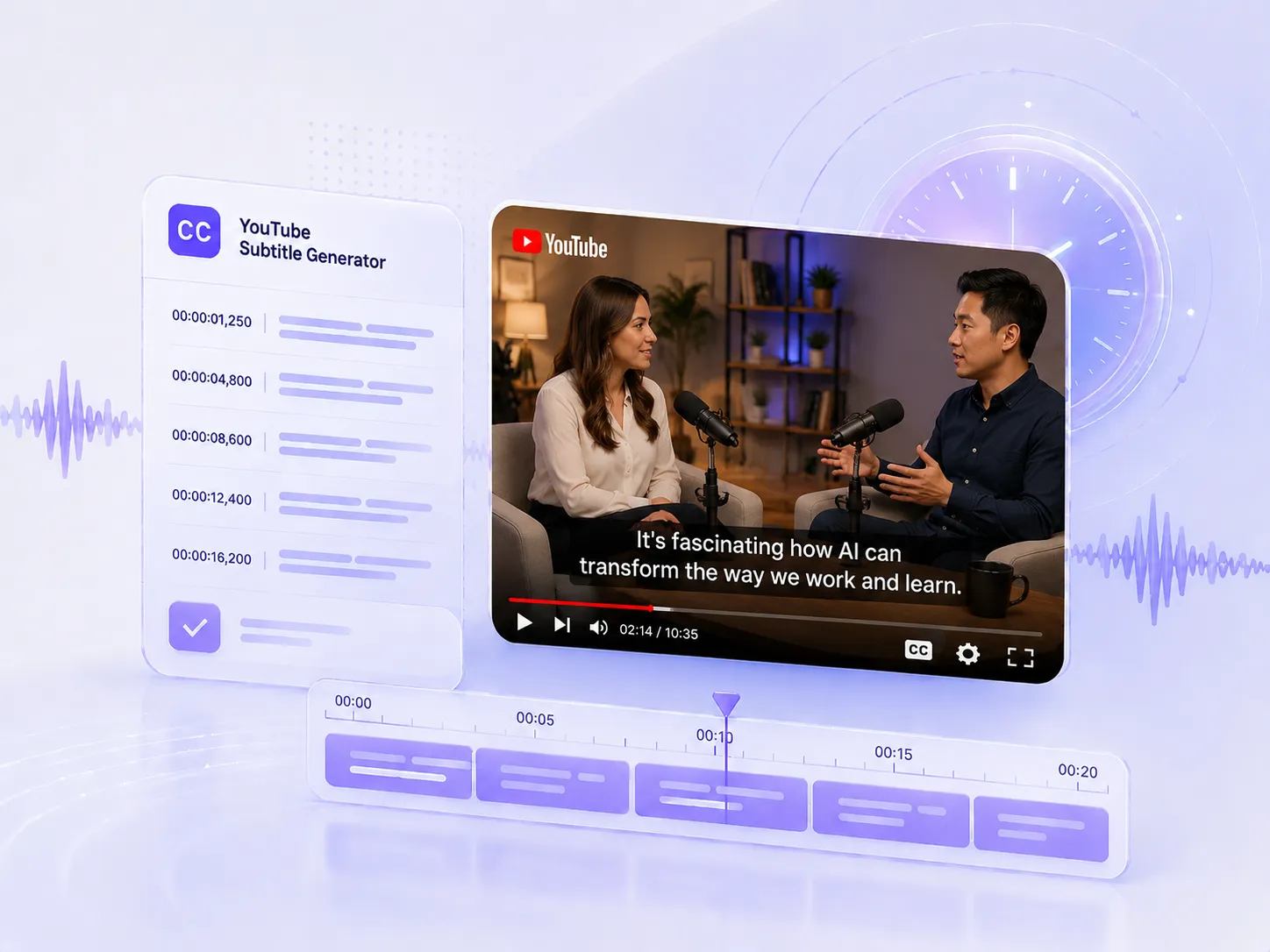
Ready-to-Use Timestamped Subtitles, No Repeated Editing Required
For some tools, subtitles still need manual fixes, especially for timestamps and misaligned text. With our YouTube subtitle generator, this is no longer an issue. Subtitles come with built-in timestamps and are ready to use right away, with no extra editing or formatting needed.
- Covers multiple video types, from YouTube to TikTok.
- Works for long videos and complex content, generating stable subtitles.
- Supports multi-language recognition with automatic timestamp alignment.
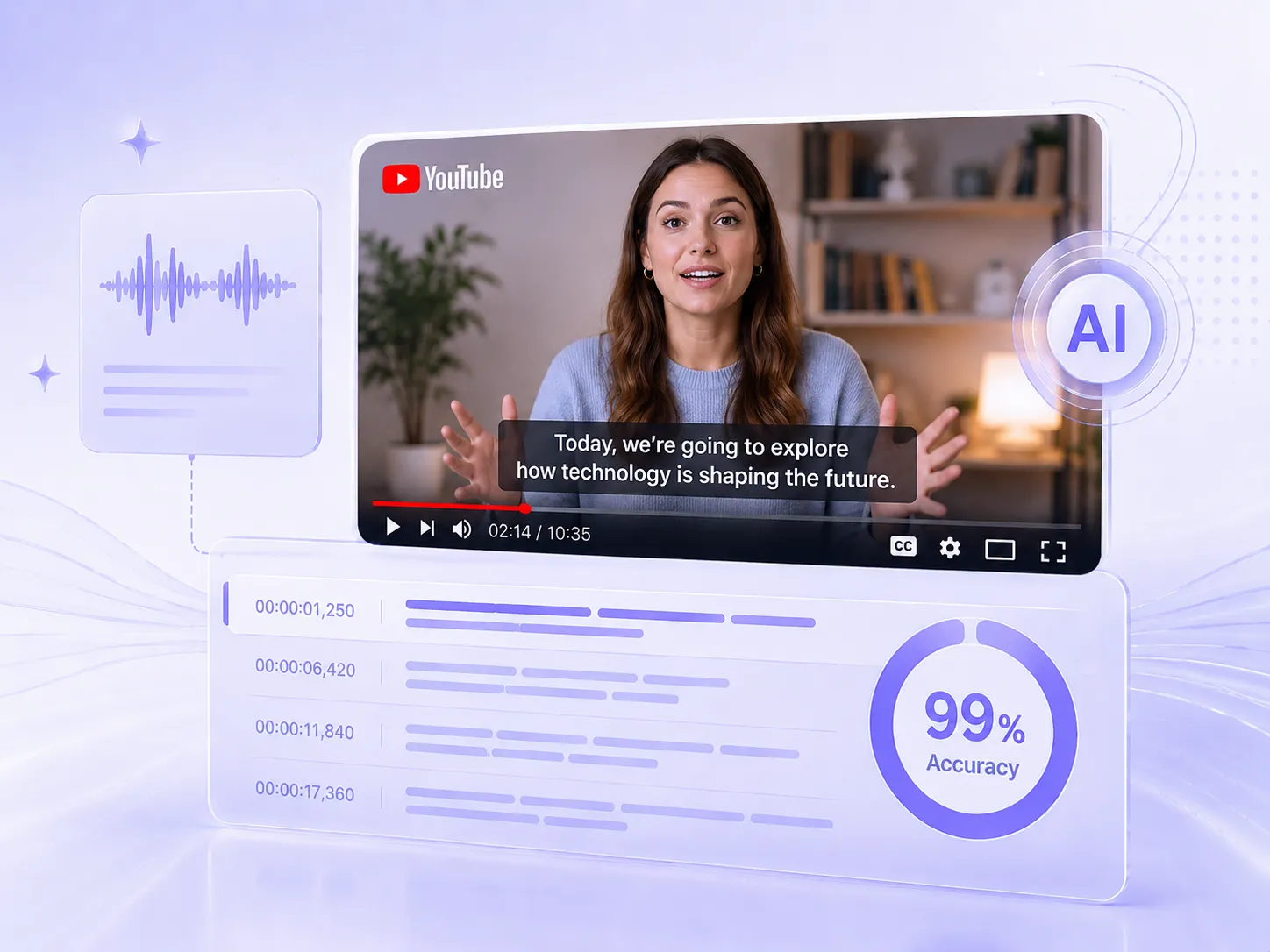
Get Subtitles with 99% Accuracy, Human-Level Quality
Our YouTube subtitle generator delivers high-accuracy results, with up to 99% accuracy in testing, close to human-level transcription. It works especially well for educational videos, allowing users to use subtitles immediately after generation and improving overall learning efficiency.
- Suitable for tutorials, courses, and other types of video content
- Built-in AI Chat for further content organization and refinement
- Supports multiple export formats for flexible use
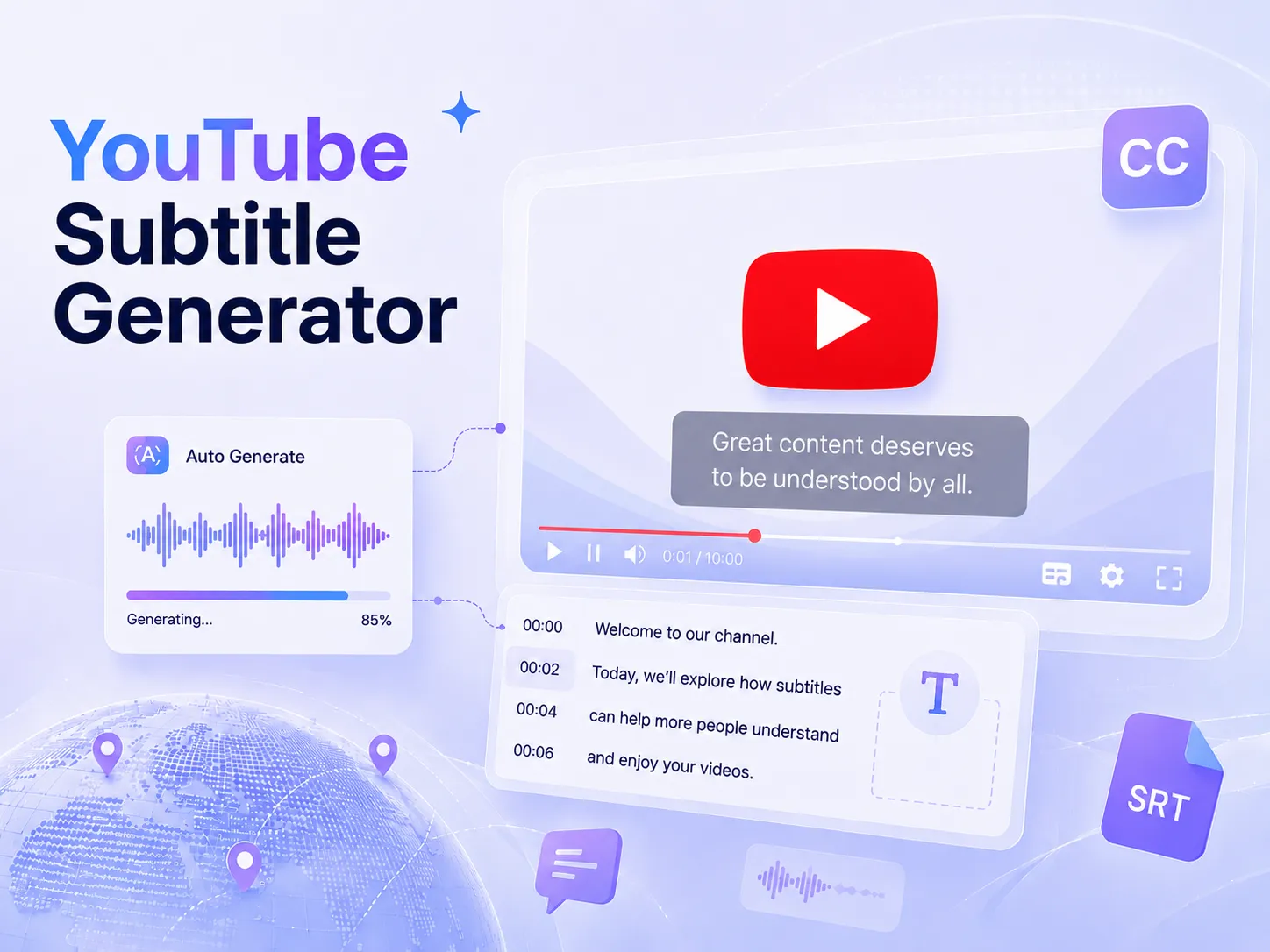
How to Use YouTube Subtitle Generator?
3 easy steps to automatically add subtitles to videos, just copy and paste your YouTube video link.
Copy and Paste Your Video
Paste a YouTube video link, or links from other platforms like TikTok. You can also upload your file directly.
Choose Subtitle Language
Choose your desired output language from our supported language library, with 100+ languages available to pick from.
Get Automatic Subtitles
Within seconds, you can get and download your subtitles, with timestamps included for easier navigation.
Real Testimonials And Reviews From Users
"The YouTube Subtitle Generator makes it much easier to add subtitles to my videos. I mainly use it when I need to quickly generate subtitles for longer YouTube content. The process is simple, and it saves me a lot of manual transcription time."

Emma Wilson
Content Creator
"I use the YouTube Subtitle tool to create subtitles for marketing videos and repurpose content for different platforms. The generated subtitles are generally accurate and easy to review and edit when needed. It has become a useful part of my content workflow."

Daniel Garcia
Digital Marketer
"As someone who publishes educational videos on YouTube, I need subtitles to make my content easier to follow. This YouTube Subtitle Generator helps me generate subtitles without having to type everything manually. It’s straightforward and works well for my regular video uploads."

Sophia Martin
YouTube Educator
YouTube Subtitle Generator FAQs
During the process of generating subtitles from videos, if you have any questions, feel free to contact us via email for feedback or support.
YouTube subtitle generator is designed to automatically create subtitles for YouTube videos, whether they already have captions or not. It also supports other platforms such as TikTok and Instagram.