Upload your file
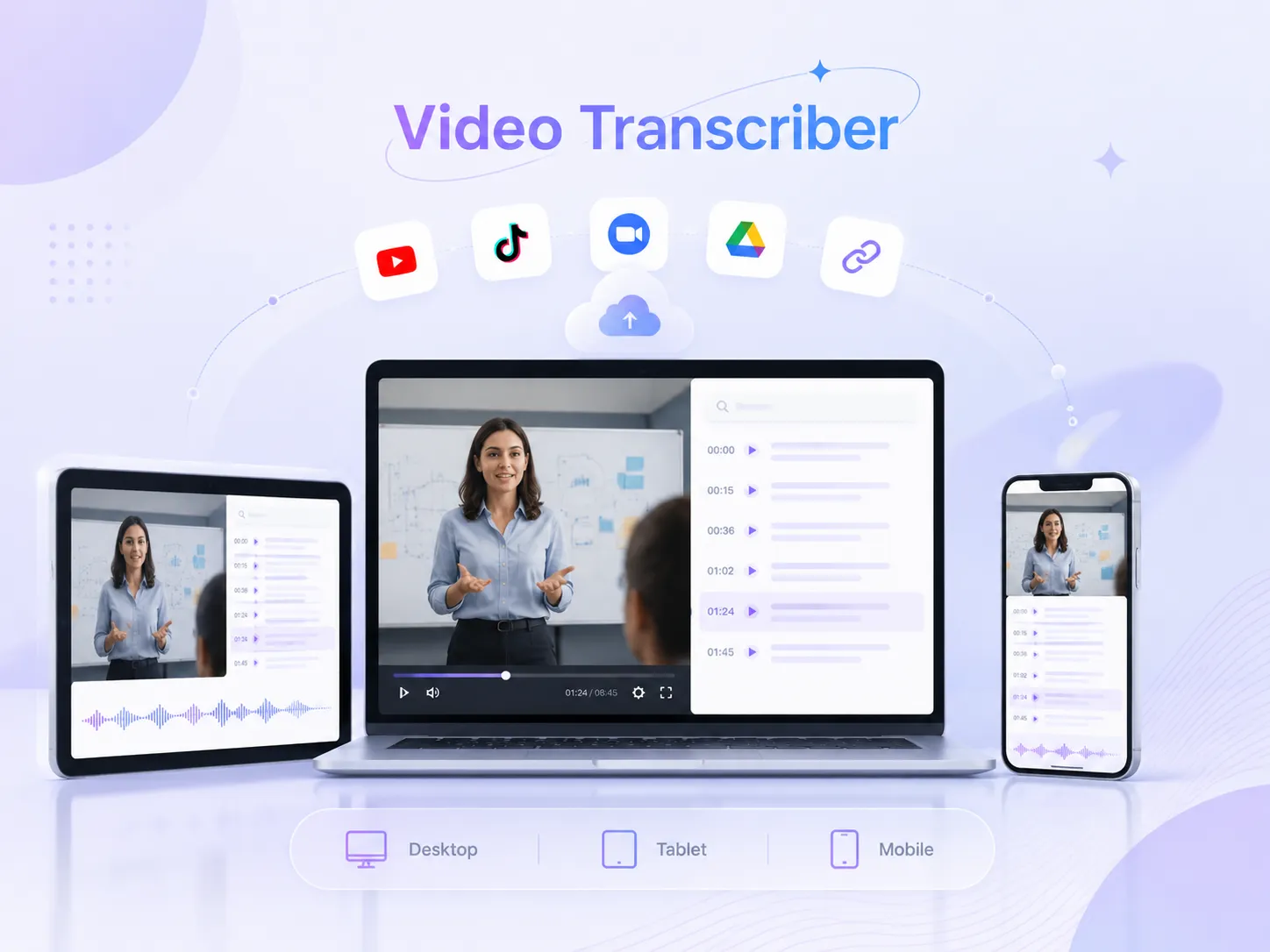
Our video transcriber supports videos from multiple sources like TikTok, YouTube, and more. Just paste your link or upload a video file.
Effortlessly transcribe videos from YouTube, Zoom, podcasts,and more. Fast, accurate, and ready to use in minutes.
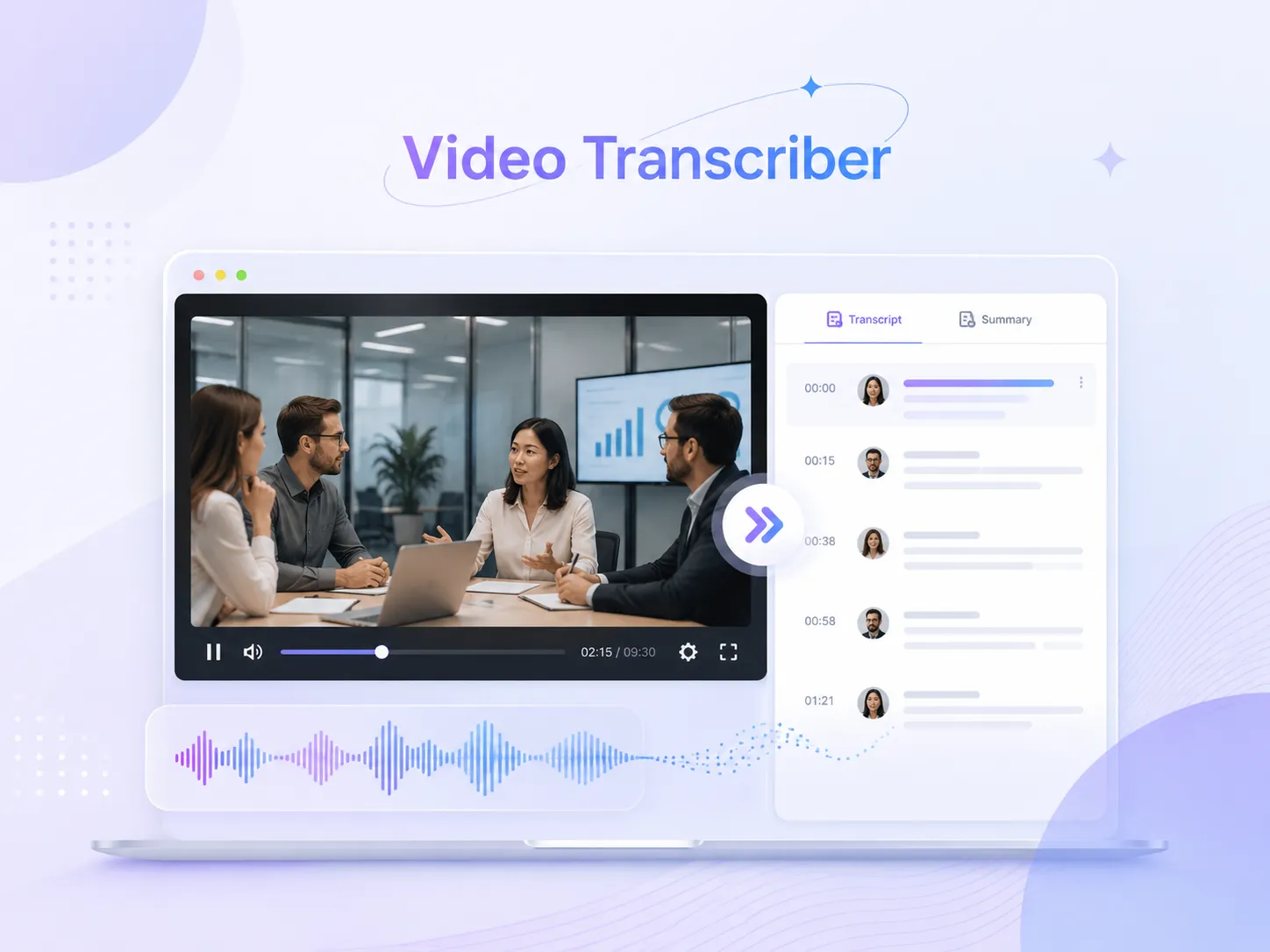
The simplest way to get video transcripts with our free online video transcriber. Just upload your file and wait in minutes, fully automated.
Our video transcriber supports videos from multiple sources like TikTok, YouTube, and more. Just paste your link or upload a video file.
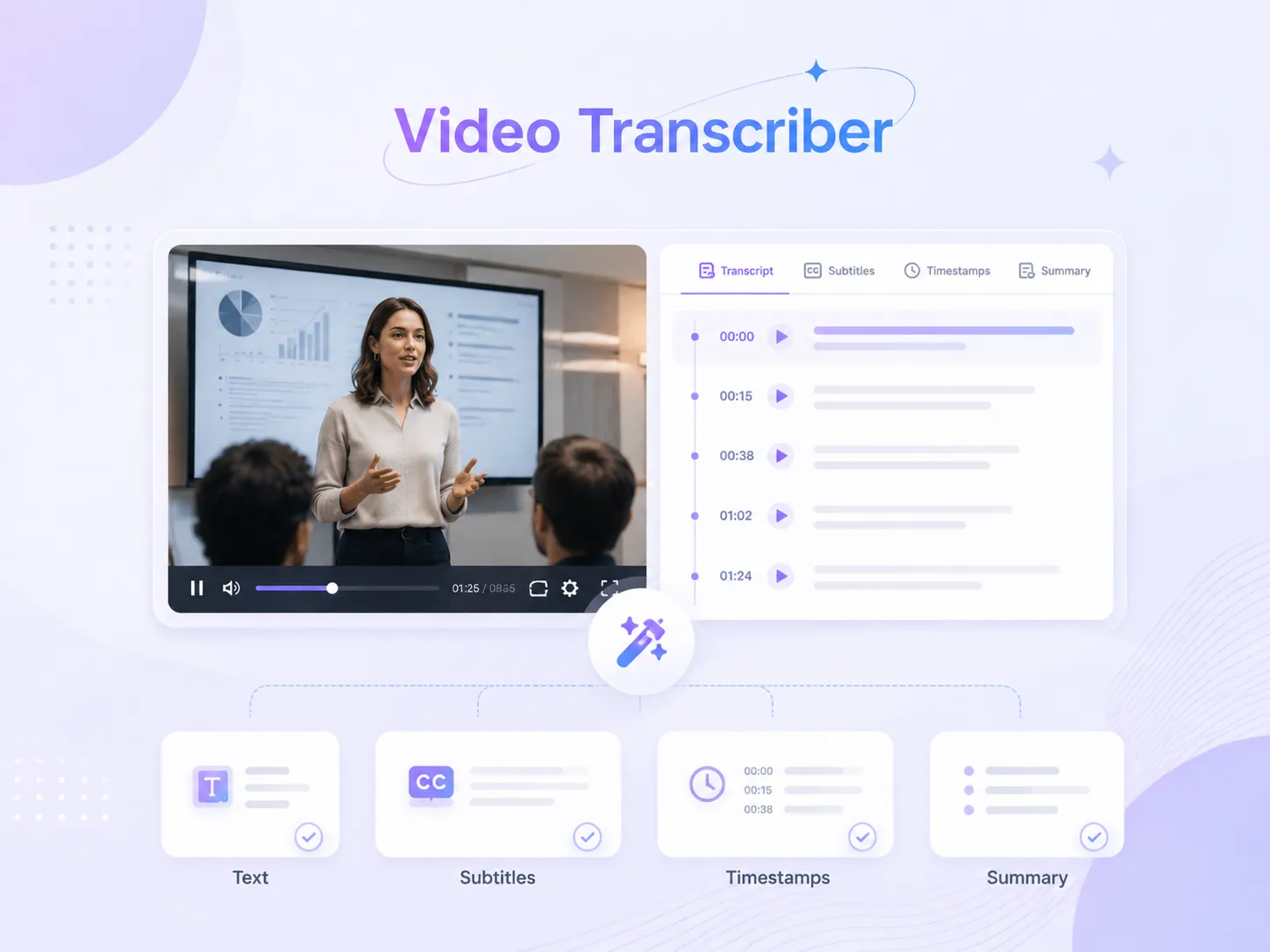
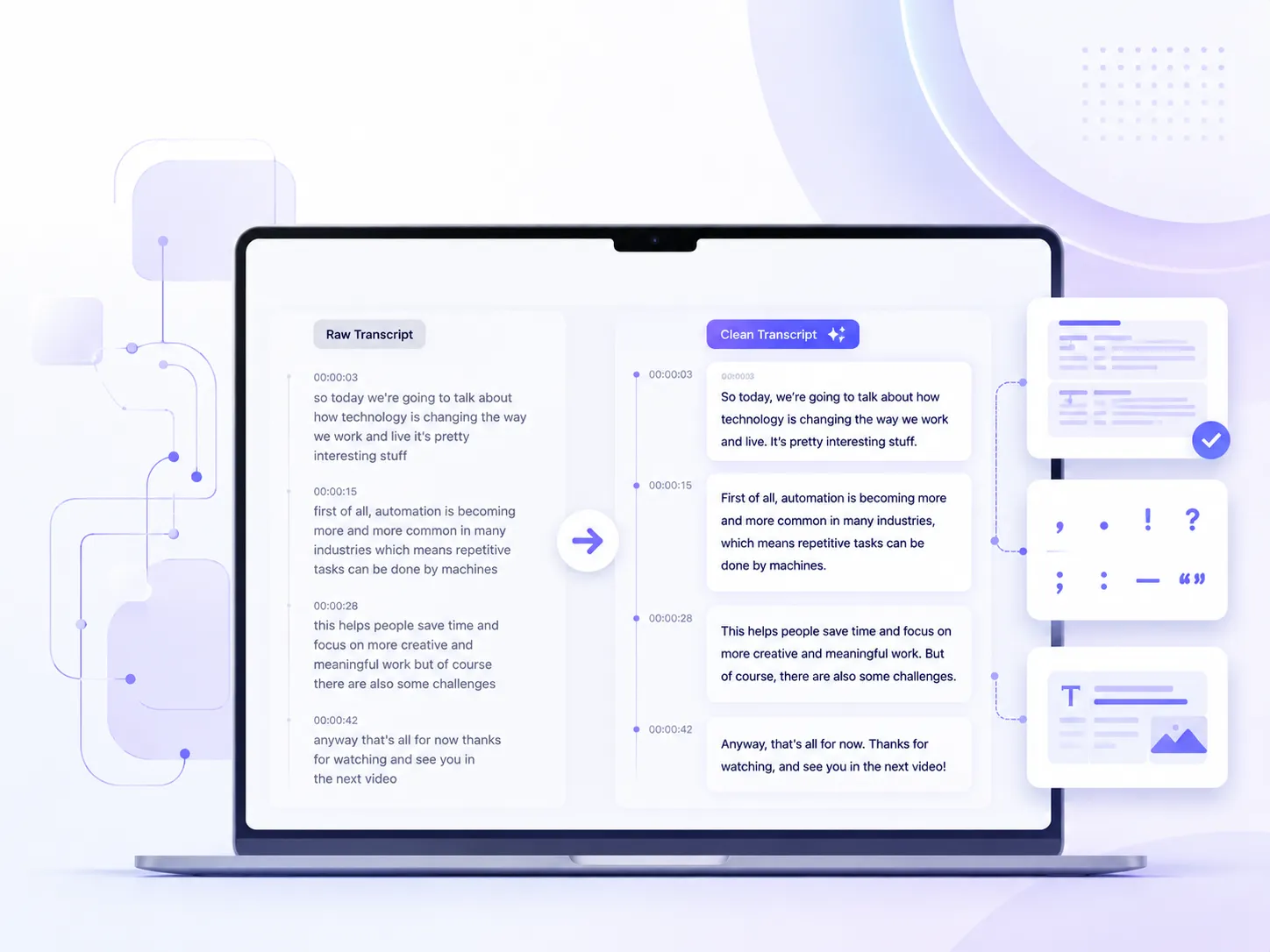
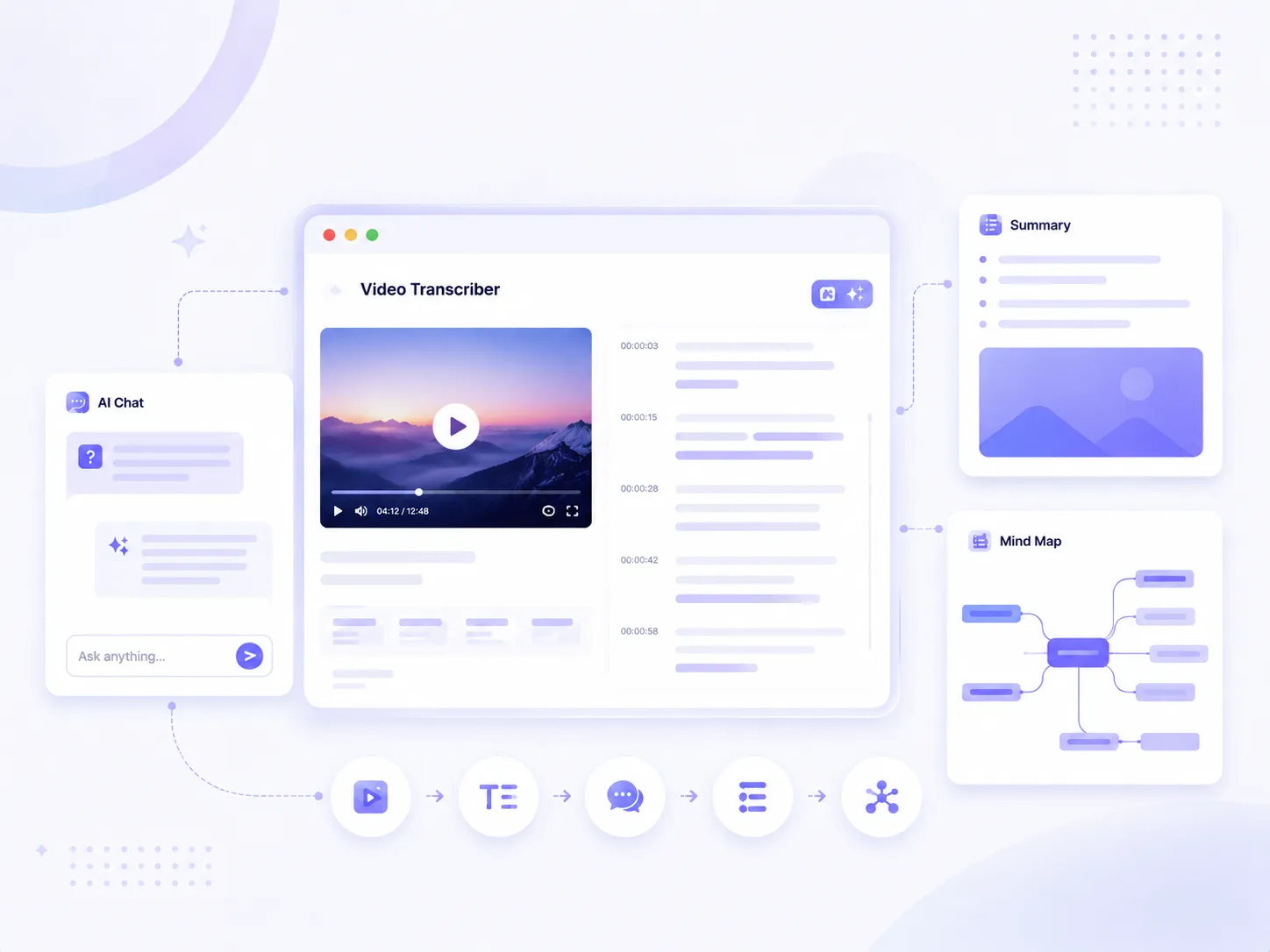
Within minutes, you'll get an overview of your video and a full transcript with timestamps. It also supports subtitles and structured summaries.
You can choose to copy or download in TXT, Word, or PDF format, and freely choose whether to include timestamps or not.
Grasp the main content of a video in seconds without having to watch it.
As a content creator, the high frequency of content production has been exhausting for me. Now with this video transcription tool, I can quickly generate subtitles after editing videos, and the transcript can also be used for posting and writing blogs, making things much easier than before.

Sarah Johnson
Content Creator
Whenever finals week comes around, I rely on AI video transcriber to turn my online lectures into text. If there's anything I don't understand, I can use AI Chat to ask questions and get answers right away. It makes reviewing much easier, and I no longer worry about missing important concepts or key details.

Michael Chen
Student
I originally expected AI transcription to contain quite a few mistakes, but the accuracy turned out to be surprisingly high. What I like most is that I can directly copy the key points without having to spend extra time editing or organizing everything myself. It's especially useful for preparing meeting notes and summaries.

Emily Rodriguez
Marketing Specialist
If you have any questions about our video transcriber, please feel free to contact us via email.
Yes, our AI video transcriber has no limit on video length and can easily handle lectures, Zoom meetings, and more.
Currently, all features on AI Video Summarizer, including the AI video transcriber, are completely free to use, with no payment required to unlock any of them.
Yes, the videos you upload are only used to generate results. Without your consent, they will not be stored or shared with any third parties, ensuring 100% privacy and security.
Yes, our AI video transcriber supports 100+ languages and can accurately transcribe videos with different accents and speaking speeds.
Yes, besides YouTube, it also supports many other platforms, including TikTok and more. Just paste your link into our YouTube video transcriber.
Currently, our AI video transcriber supports Word, TXT, and PDF formats with timestamps included, and you can also copy any part you need directly.