
How to Transcribe YouTube Playlists for Free – 2026 Guide
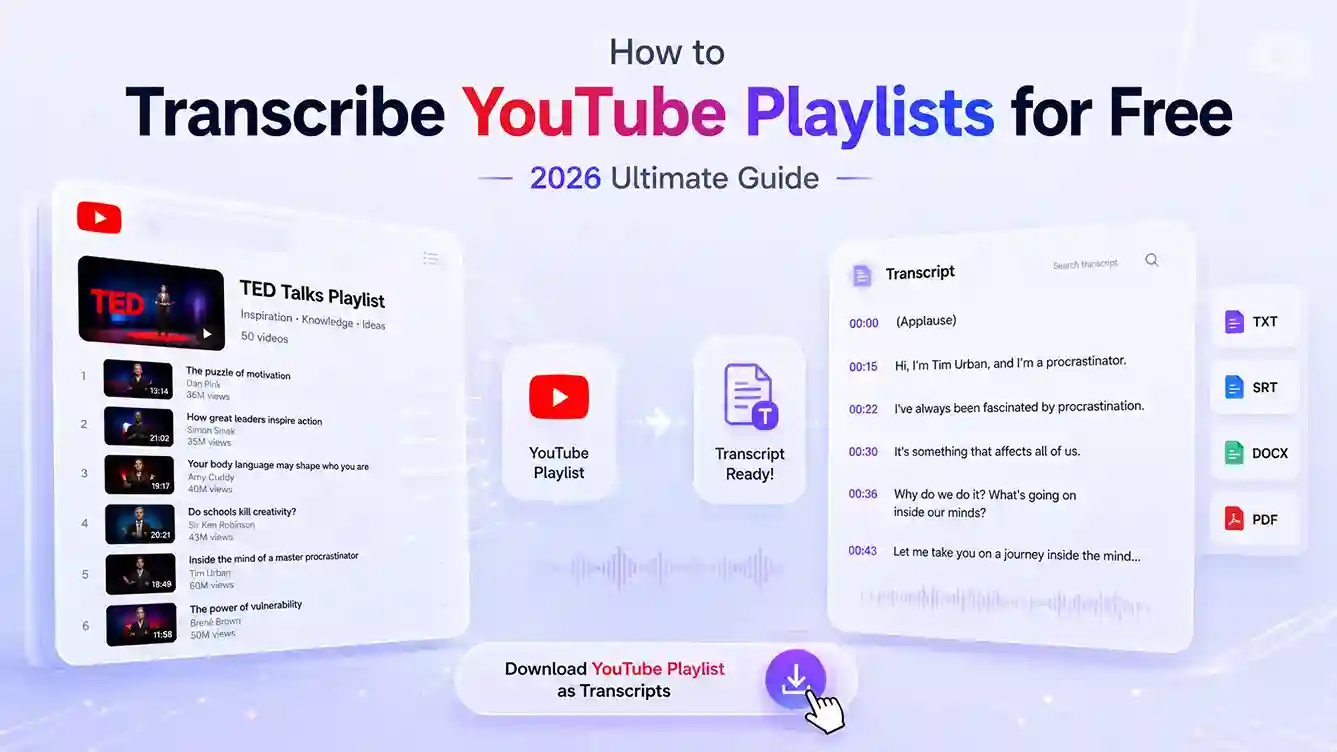
A full YouTube playlist may look complete and comprehensive, but when you actually try to use it, you'll realize it's hard to fully grasp and absorb.
The problem isn't the quality of the content, it's that the information is locked inside the video timeline. You can only watch in order, scrub through the progress bar, pause, and take notes. When a playlist gets longer, this inefficiency becomes an invisible burden.
This is why more and more people are choosing to transcribe and download YouTube content, turning what is tied to time into information blocks that can be easily navigated, clipped, and organized. In this guide, you'll learn how to efficiently transcribe YouTube transcripts, whether from a single video or an entire playlist, and which tools are truly worth trying right now.
Transcribe YouTube Playlist for Free
The Hidden Problem with Learning from YouTube Playlists
Manually organizing a complete YouTube playlist is almost impossible to do efficiently. The longer the playlist, the more repetitive work you have to deal with. More importantly, it hides many barriers that make information difficult to absorb.
- Scattered information is hard to put together
Each video stands on its own, and the ideas are rarely organized into a clear structure. You might see related points across different videos, but it's still hard to combine them into one clear framework, which often leaves you with fragmented understanding after finishing the playlist.
- Longer playlists don't mean better learning efficiency
A longer playlist doesn't necessarily improve learning results. In many cases, it just leads to more rewatching and wasted time. Even after going through an entire playlist, only a small part is actually remembered or useful in practice.
- The learning pace is locked to the video
Unlike text, which you can skim and move through freely, videos control the pace for you. It's difficult to quickly scan multiple ideas or compare related points across different videos, so you're mostly forced to follow the sequence as it plays.
Why People Need YouTube Playlist Transcriber?
Using the right tools can turn repetitive, linear content into something much more usable and efficient. YouTube does offer automatic subtitles, but they usually only provide a basic text version and still need manual checking.
Many people also rely on YouTube transcript generators, which are definitely more convenient than taking notes by hand. However, once you need to handle multiple videos, they still fall short when it comes to batch processing.
In comparison, a YouTube playlist transcriber can generate transcripts for an entire playlist in one go, making it a more practical option for anyone dealing with larger amounts of content.
| Feature | YouTube Auto Subtitles | YouTube Transcript Generator | YouTube Playlist Transcriber |
|---|---|---|---|
| Supports full playlist | ❌ | ❌ | ✅ |
| Download text or SRT | ✅ (single video) | ✅ (single video) | ✅ (entire playlist) |
| Accuracy | Low, manual fix needed | Medium, partial manual check | High, batch editing possible |
| Content integration | ❌ | ❌ | ✅ |
| Learning & note-taking efficiency | Medium | Medium-high (single video) | High (cross-video) |
| Content reuse | ❌ | ✅ (single video) | ✅ (multiple videos combined) |
| Time cost | High (manual review) | Medium | Low (one-time playlist export) |
How to Transcribe YouTube Playlists Step by Step
Transcribing an entire YouTube playlist is much easier than manually copying subtitles from individual videos. Here's how it works:
Step 1: Paste the YouTube Playlist URL
Copy the URL of the YouTube playlist you want to transcribe and paste it into the Playlist Transcriber. The tool will automatically detect all videos included in the playlist.
Step 2: Select the Videos You Want to Transcribe
Once the playlist is loaded, you'll see a list of all available videos. You can transcribe the entire playlist or select only the videos you need.
Step 3: Review the Transcript
After processing is complete, the transcript will be generated automatically. You can review the results online, search for specific keywords, and quickly locate important information without watching every video again.
Step 4: Download in Your Preferred Format
When you're satisfied with the transcript, download it in the format that best fits your workflow. Available export options include:
- TXT
- Word
- SRT
You can also choose whether to include timestamps, depending on how you plan to use the transcript.
💡Tips for Transcribing YouTube Playlists
- Check video availability
Some videos may be deleted, set to private, or restricted in certain regions. Before importing a playlist, make sure all target videos are accessible and can be played normally.
- Choose the correct language
If a video is not in English or offers multiple subtitle languages, select the correct language before transcribing to get more accurate results.
- Pick the right export format
Different formats work better for different use cases:
- TXT or PDF – Best for reading, studying, and note-taking.
- Word – Ideal if you plan to edit, organize, or repurpose the transcript.
- SRT – The preferred format for video editing, subtitles, and closed captions.
Best Free YouTube Playlist Transcribers in 2026
For easier YouTube playlist transcription, here are some handy tools you can try.
AI Video Summarizer – Best for 100% Free YouTube Playlist Transcription
If your goal is to transcribe an entire YouTube playlist instead of downloading transcripts one video at a time, AI Video Summarizer is one of the easiest tools to start with.
Its YouTube playlist transcriber supports multiple formats, including SRT and TXT, and allows users to quickly generate transcripts for an entire playlist without logging in. The main advantage is that it's completely free, enabling users to transcribe content at minimal cost.
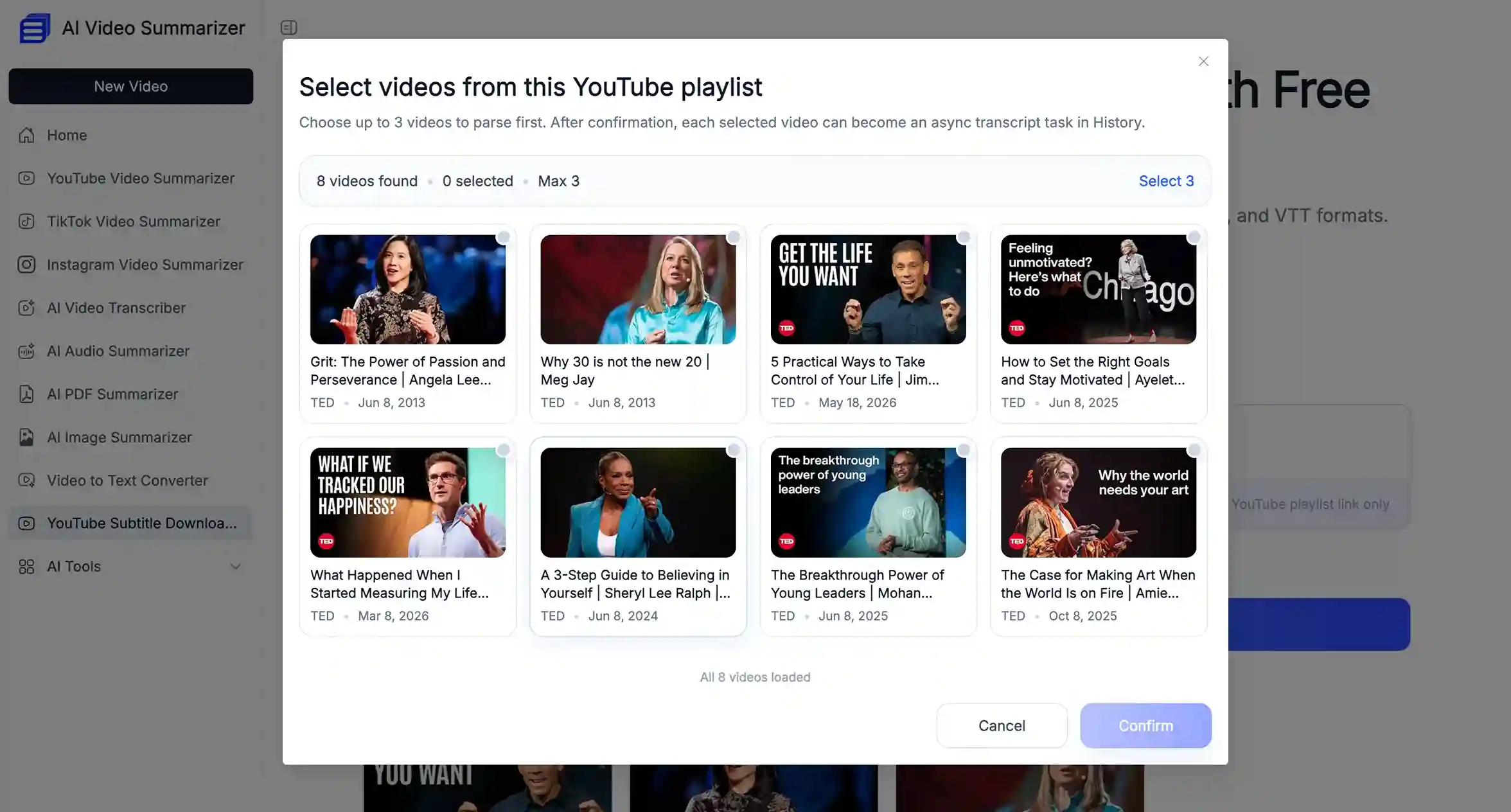
Its core advantage:
- Completely free to use
- No sign-up needed, transcribe YouTube playlists instantly
- Download transcripts and subtitles in multiple formats, with optional timestamps for flexibility
- Supports generating summaries tailored to your video content
YouTube Transcript – Best for Bulk Playlist Transcription
Compared with many transcript tools that only support a few videos at a time, YouTube Transcript is better suited for larger playlists. It can process multiple videos in a single batch, making it a practical option for users who need to transcribe longer courses, tutorials, or interview series.
The overall workflow is also quite smooth. After copying a YouTube playlist link, the tool can automatically detect and paste the URL, reducing a few extra steps and making the experience feel more seamless.
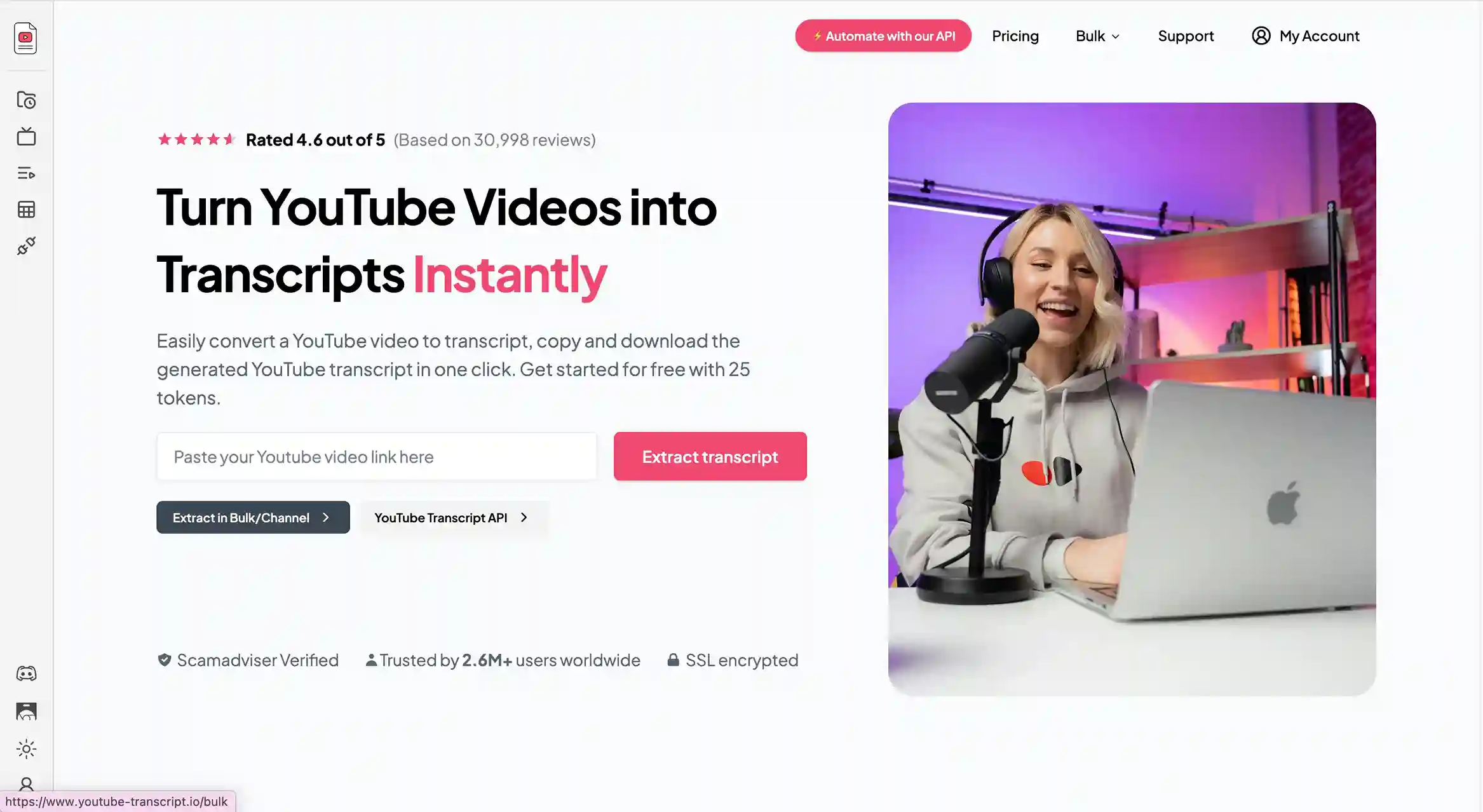
Its core advantage:
- Supports batch transcription for multiple videos
- Works well with longer YouTube playlists
- Automatically detects copied playlist URLs
- Simple and beginner-friendly workflow
NoteGPT – Best for Making the Most of Your Video Playlist Transcripts
NoteGPT isn't just a transcription tool, it's designed to help you get more out of your video content. Once you have transcripts from a YouTube video or even an entire playlist, the platform can transform them into a variety of formats and applications. For example:
- Infographics – Convert key points from lectures or tutorials into visual summaries.
- Presentations – Quickly turn transcripts into slide decks for teaching or reporting.
- Podcasts – Repurpose content from video interviews into audio scripts or podcast episodes.
- Quizzes and Study Materials – Extract questions and answers from educational content to create interactive tests.
Its main value lies in helping creators and learners reuse and repurpose content efficiently. Even if you're working with a full YouTube playlist, it shows how transcripts can go far beyond simple text, they can become a versatile resource for learning, teaching, or content creation
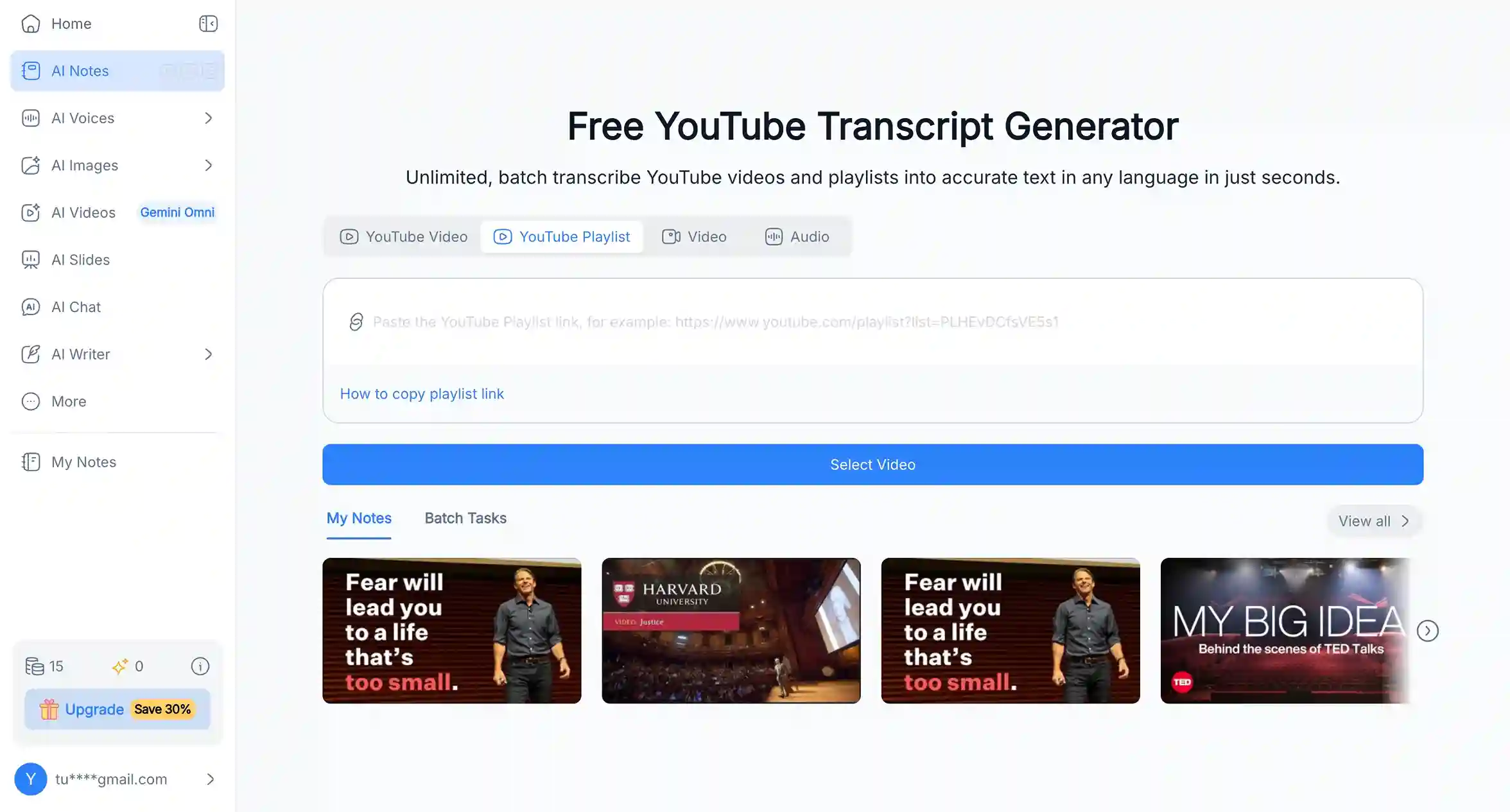
Its core advantage:
- Works well with transcripts from both single videos and full YouTube playlists
- Turns raw transcripts into usable content like slides, summaries, and study materials
- Helps repurpose video content into different formats without starting from scratch
Practical Use Cases for YouTube Playlist Transcription
The value of transcribing a YouTube playlist largely depends on the needs of different users. The same transcript can be used in completely different ways by different people.
- Students
For those who need structured learning, playlists often contain courses, tutorials, or lectures. Transcripts make it easy to take notes, organize key points, or create study materials without repeatedly scrubbing through videos.
- Content Creators
Creators can repurpose playlist content into new formats such as blog posts, short video scripts, social media posts, or newsletters. Compared to manually extracting information from videos, transcripts significantly speed up content reuse and production.
- General Users
Even for non-professional use, many people use transcripts to organize personal learning, record tutorials, or turn scattered videos into a long-term, searchable knowledge library.
Conclusion
Transcribing YouTube playlists is not just about turning videos into text. It's about making long, linear content easier to search, understand, and reuse in daily work or study. Once the information is in text form, it becomes much more flexible, whether you're taking notes, revising key points, or repurposing content for your own projects.
If you need a simple way to get started, AI Video Summarizer is a practical option for quickly transcribing YouTube playlists without extra steps. It helps reduce the time spent on manual work and makes it easier to turn video content into something you can actually use.
At the end of the day, the real value is not the transcript itself, but how you use it.