
YouTube to MP4 converter is an online tool that helps you convert YouTube videos into MP4 format so you can download and save them for offline viewing on any device.
Free YouTube to MP4 Converter Online - Unlimited Downloads
Download YouTube videos in as little as 3 seconds. Fast, free, and up to 1080p HD, our YouTube to MP4 converter has everything you need.
Paste a YouTube video link
Parse the video first, then get video instantly.
Please ensure your downloads comply with copyright laws. This tool does not support converting copyrighted music. Legal & Non-Commercial Use Only
By using this tool, you acknowledge that downloaded videos and AI-generated transcripts are strictly for personal, educational, or fair use. Please note that processing copyrighted music is strictly prohibited and automatically blocked by our system. You assume full legal responsibility for complying with all relevant copyright laws. Are you a content creator?
We deeply respect your copyright. If you wish to prevent your videos from being downloaded or transcribed by our AI, simply add #nodownload to your video's description or tags. Our system will immediately block any access to your content.
More Tools
Ever saved a YouTube video only to find it's been taken down later?
When you save a YouTube video and come back to it days or even weeks later, it's not uncommon to find that it has been deleted, made private, or taken down entirely. Online content isn't as permanent as it seems, and videos can disappear without notice. That's why many people use a YouTube to MP4 converter to download important videos in advance, so they can watch them offline, access them anytime, and keep useful content without relying on whether it stays available on the platform.
Save YouTube Videos >>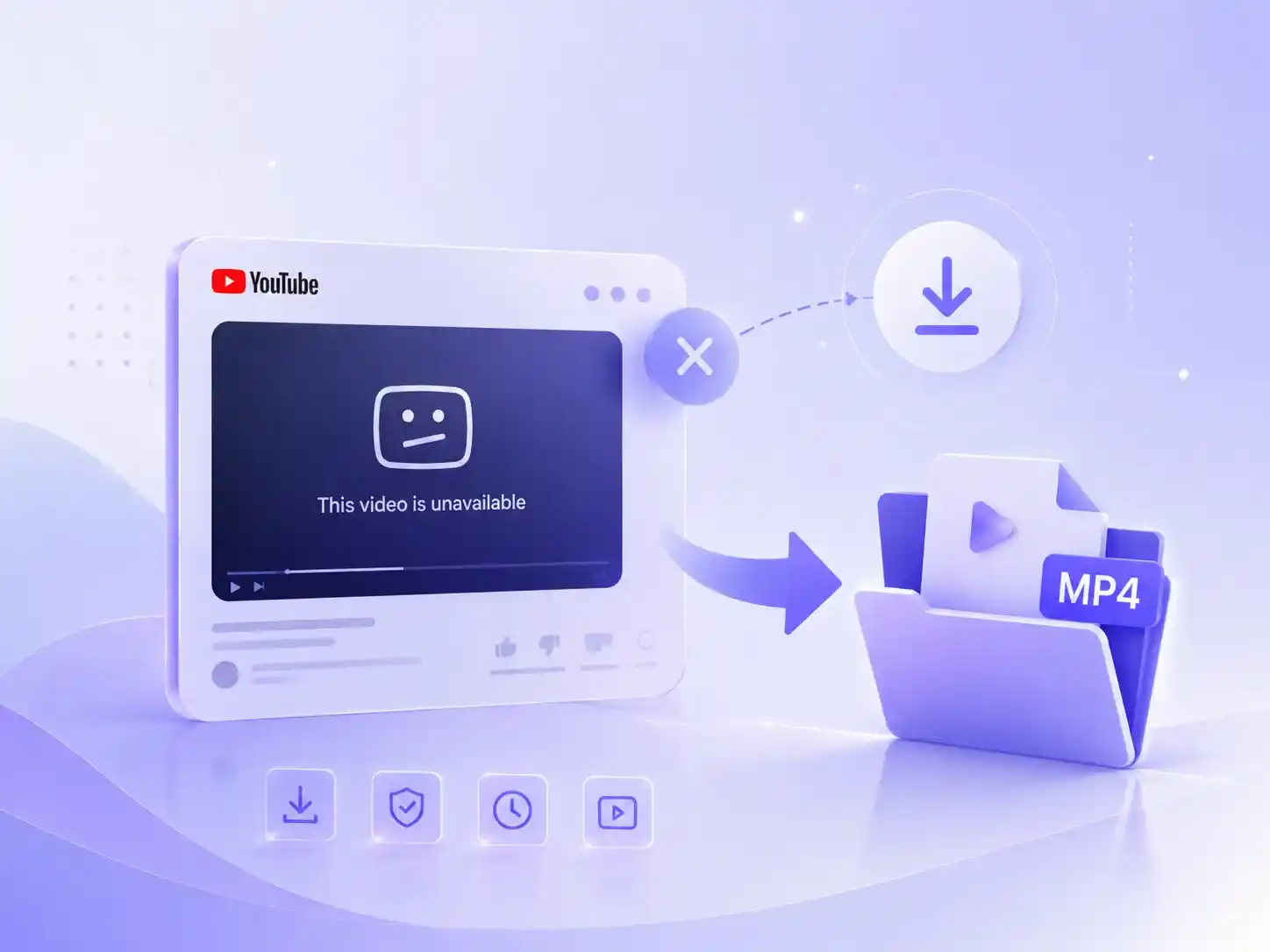
Why You Should Download YouTube Videos as MP4
Downloading YouTube videos as MP4 truly turns content into something you can access and use anytime, without being limited by the internet or the platform.
Access across multiple devices anytime
Watch videos freely on your phone, tablet, computer, or TV without platform or account restrictions.
Watch offline anytime, anywhere
Save data and enjoy smooth playback anywhere, even on flights or subways, without buffering issues.
Easy editing & content creation
MP4 is the most universal video format, making it simple to import into any editing software for reuse or editing.
Long-term storage of important content
Our YouTube to MP4 downloader lets you keep videos permanently for backup and long-term access whenever you need them.
Download YouTube Videos, Shorts, and Playlists as MP4
Besides individual YouTube videos, our YouTube to MP4 converter also allows you to save entire content at once, such as video collections, playlists, or even continuous Shorts series. There's no need to repeat the process or install any software, making batch downloading of YouTube videos much simpler and more efficient.
Download YouTube Videos >>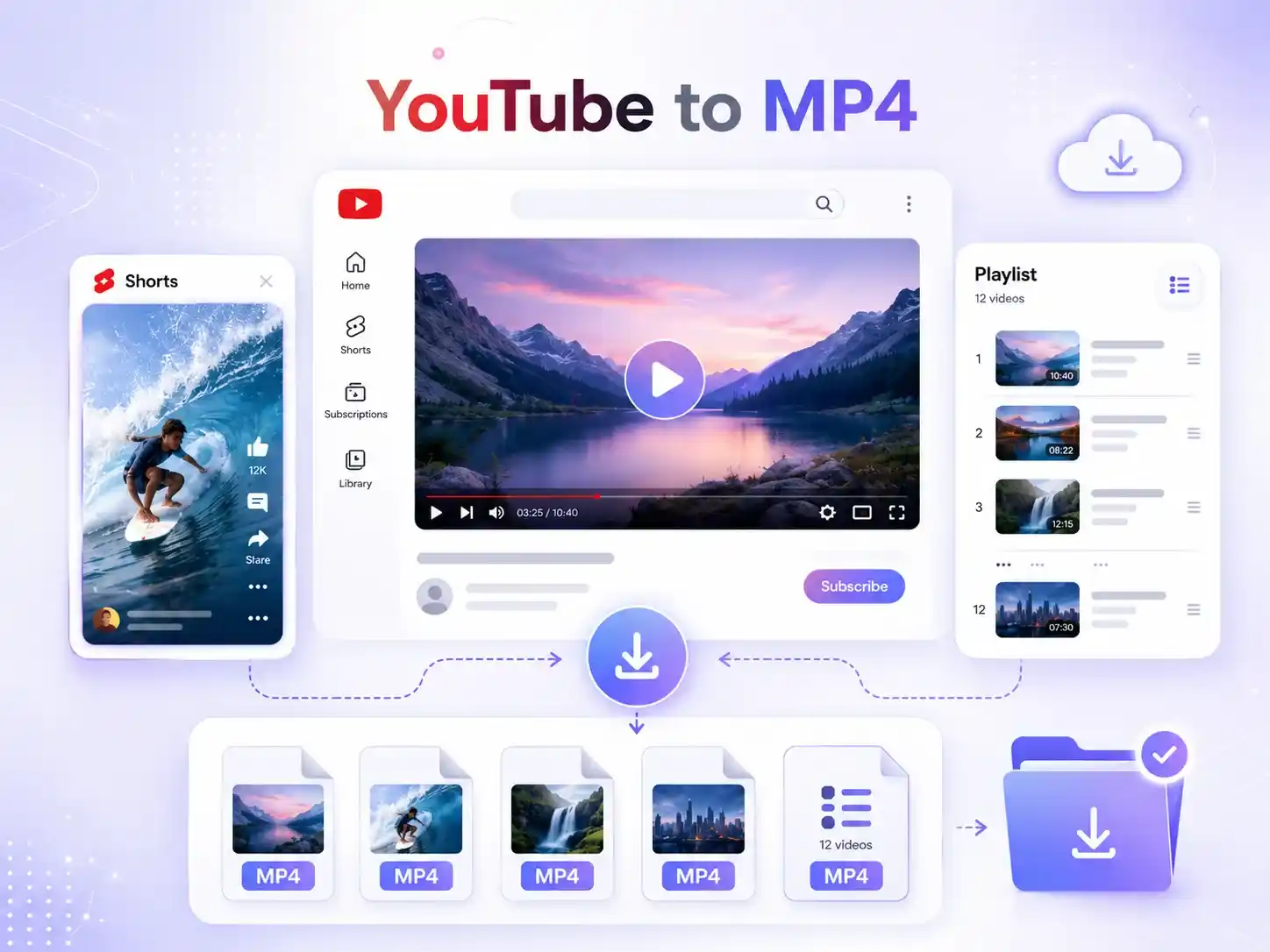
Convert YouTube Videos to MP4 in up to 1080p HD
There's no need to worry about blurry quality or lost details after downloading. Our YouTube to MP4 downloader converts YouTube videos into MP4 format while supporting up to 1080p output. It keeps the video clear and smooth to play, so you can watch or reuse it later without any quality issues.
Save HD YouTube Videos >>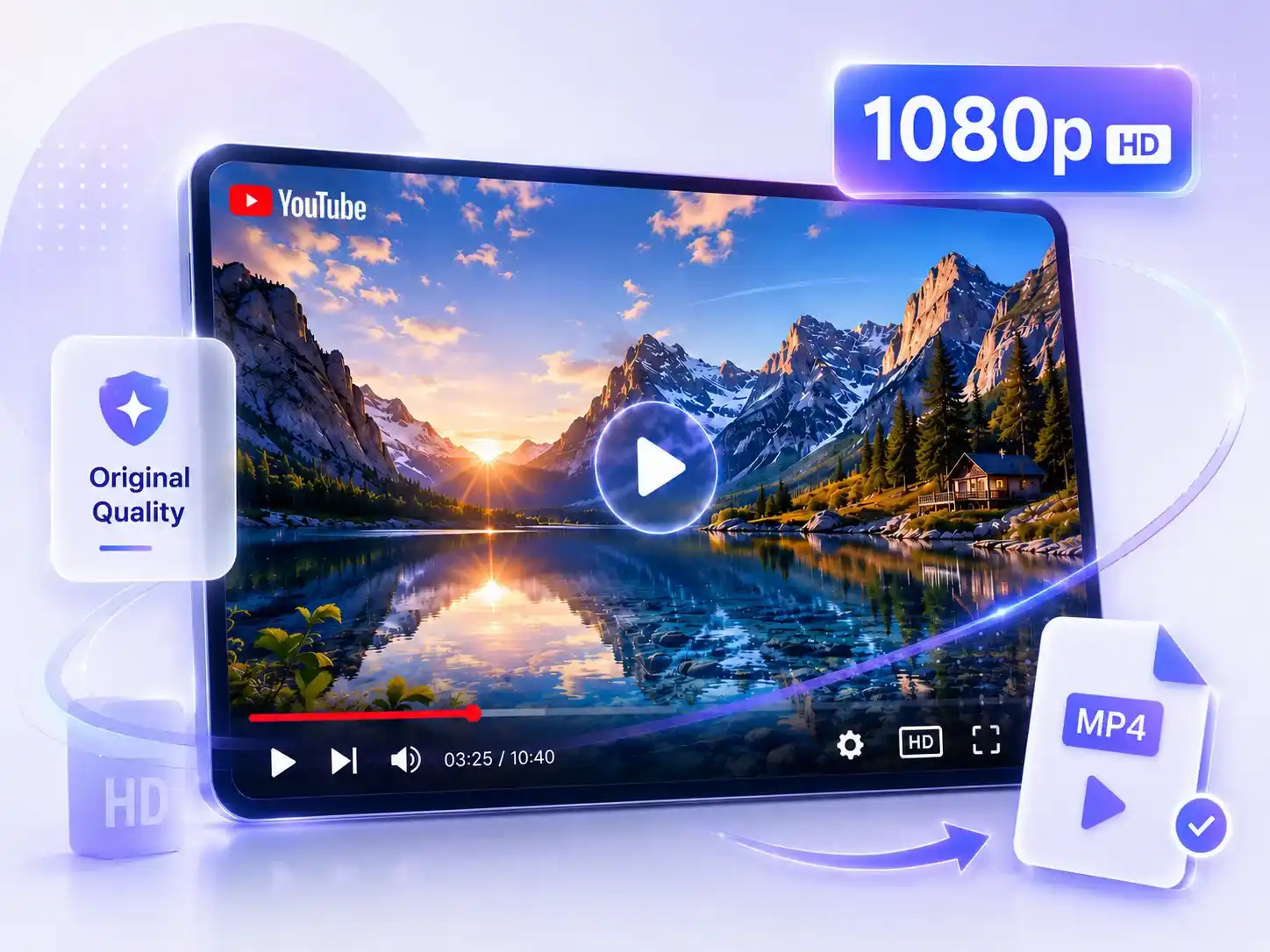
100% Private & Secure YouTube Video Downloads
100% private and secure YouTube video downloading process with no complicated steps, and no requirement to sign in or provide any personal information. The entire conversion process takes place in a secure environment, and users' download history, links, and usage activity are not stored or tracked, ensuring maximum privacy protection.
Convert YouTube to Mp4 for Free >>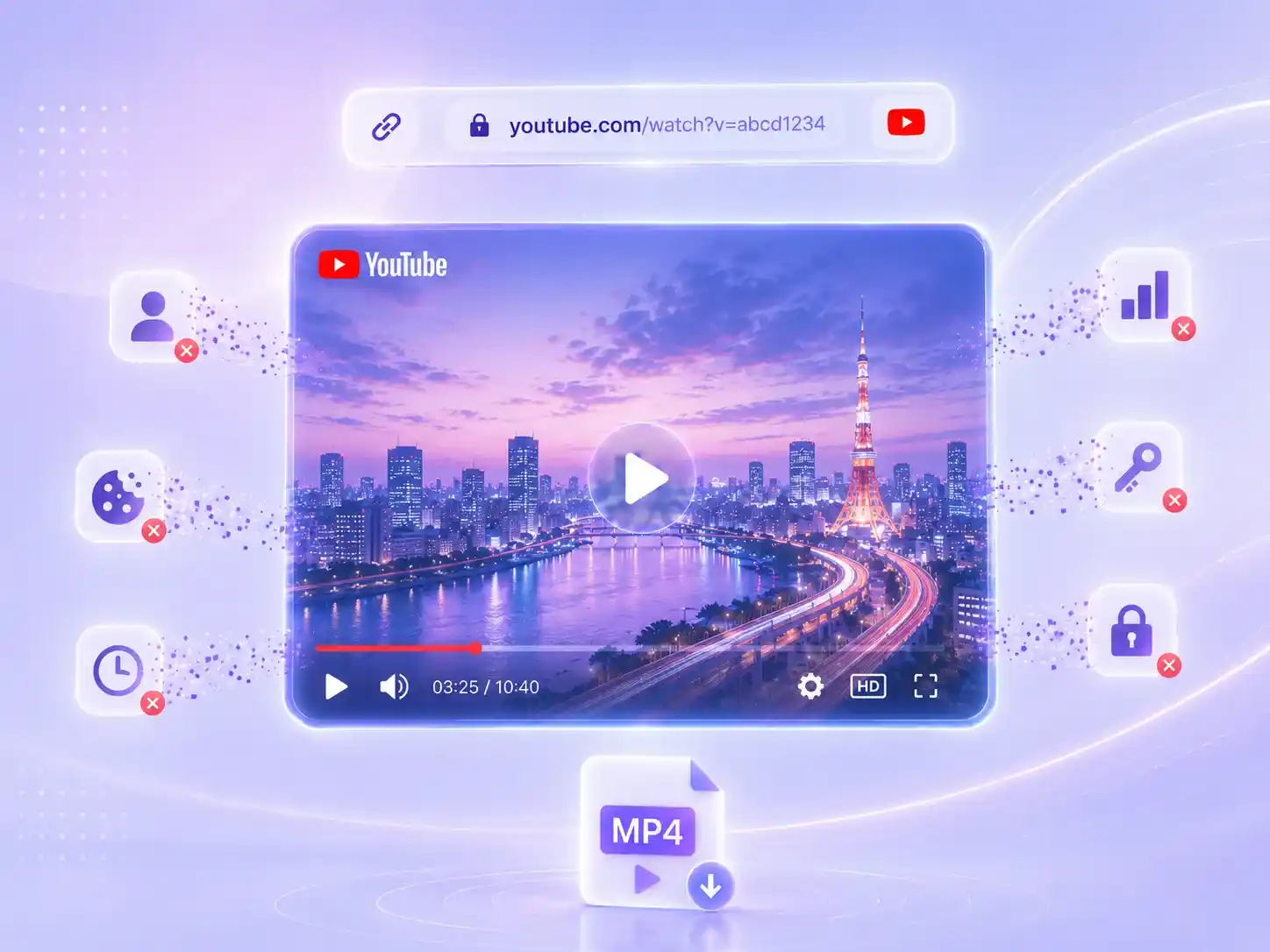
How to Convert YouTube Videos to MP4 Online?
Turn YouTube videos into MP4 in just a few simple steps. Paste your link, convert the video in seconds, and download it for free.
01
Paste YouTube link
Upload your YouTube link, our free YouTube to MP4 converter supports unlimited video length and works with full playlists.
02
Click the button
After clicking the button, your YouTube video will be ready in just a few seconds, with no loss in quality throughout the process.
03
Download YouTube videos
Click the button to download your ready MP4 file. No ads, and the whole process is fast, simple, and free.
What Our Users Are Saying
At first, I just tried it out, but I didn't expect the whole conversion process to be so fast, just copy the link and click once. What surprised me most is that no software installation is required. I can use it directly in the browser, which is very convenient.

Jason Miller
User
I originally thought online YouTube downloaders would compress video quality, but the MP4 files I downloaded are very clear and almost identical to the original video. 1080p playback is smooth, and the overall experience is much more stable than many tools I've used before.

Emily Carter
User
Now I use this YouTube to MP4 downloader for study materials and content organization. I download videos first, then extract subtitles and key points. It saves me from repeatedly searching for videos or worrying about them being taken down, and it has gradually become part of my daily workflow.

Daniel Brown
User
What You Can Do After Downloading YouTube Videos?
Downloading YouTube videos is just the beginning. After saving them with our YouTube to MP4 converter, you can use built-in AI tools to process the content, so the valuable information inside the video is no longer hidden in the timeline.
Extract video transcripts
No need to scrub through the timeline repeatedly. Turn your downloaded video to text for easier key point extraction.
Summarize downloaded videos
Summarize downloaded videos, extract key highlights, or organize important data to help you understand the core content more efficiently.
Generate subtitles
After converting the video to MP4 or directly pasting the link, you can generate full subtitles even if the original video has none.
YouTube to MP4 Converter FAQs
If you run into any issues while using the tool, check the FAQ below or contact us via email for support.